
Best Oh You Can Make It Cap AI Generators (2026): 10 Ways Compared
The best Oh You Can Make It Cap AI generators compared on photos, length, sound and price, and Seadanse: 1 or 2 photos, the clip's own sound, $9.90.
 The Seadanse Team17 min read
The team behind Seadanse. We run the models we write about, and we publish the specs, prices and limits the marketing leaves out.

TL;DR — Seadanse's Oh You Can Make It Cap AI is the best of the 10 Oh You Can Make It Cap AI generators we compared on October 28, 2026. It remakes the whole 2024 clip shot for shot from 1 or 2 photos, with the clip's own sound in the file, for $9.90 with no sign-up. Meanwhile, ohyoucanmakeitcap.com remakes the October studio version from two photos, and youcanmakeitcap.com makes a vertical one-photo version. The most-used CapCut template takes one photo, and viewers under its promos say it doesn't work.
The Oh You Can Make It Cap trend started when a 2024 white-studio dating-show clip came back on TikTok as AI remakes from October 21, 2026. If you want the full story behind the footage, read where the Oh He Tweakin meme comes from.
Within days, websites named after the clip went live. The same clip goes by three different names across social media: "cap", "clap" and "tweaking".
We read every tool's page on October 28, 2026, so you can see what each one actually does. Here's how they stack up.
The Best Oh You Can Make It Cap AI Generators at a Glance
The 10 Oh You Can Make It Cap AI generators differ on how many photos you need and which version of the clip they remake. They also differ on whether the sound's in the file and how you pay.
| Tool | Photos | One photo works? | Length and frame | Sound | How you pay | Best for |
|---|---|---|---|---|---|---|
| Seadanse Oh You Can Make It Cap AI | 1 or 2 | Yes, a made-up partner spins | About 14 s, landscape | The clip's own sound | $9.90 for one 720p video, no sign-up | 1 or 2 photos with the clip's own sound |
| ohyoucanmakeitcap.com | 2 | One photo plays both parts | 15 s, landscape | 720p only; 480p silent | $6.99 (480p) or $9.99 (720p) | The October suits version |
| youcanmakeitcap.com | 1 | You're the laughing guy | 15 s, vertical | Original sound | $9.99 for 3 credits | A vertical one-photo clip |
| Reeldo | 1 or 2 | Same photo twice | About 15 s, 16:9 | With sound | 125 credits at 480p | Your pet in the laugh |
| Oakgen | 1 or 2 | Keeps its own character | 15 s, landscape | With sound | 3,173 credits at 720p | Its own reference reels |
| Summrs | 2 | No | About 14 s, 16:9 | Original audio | From $5 top-up; cost not stated | Two photos, horizontal |
| Starrd | 2 | No | 15 s | With sound | 150 credits; packs from $4.99 | Adding your own notes |
| MakeViral | 2, or 1 | AI-made partner | 12 s, 9:16 | You both say the lines | $39.99 smallest pack | A re-voiced 12-second cut |
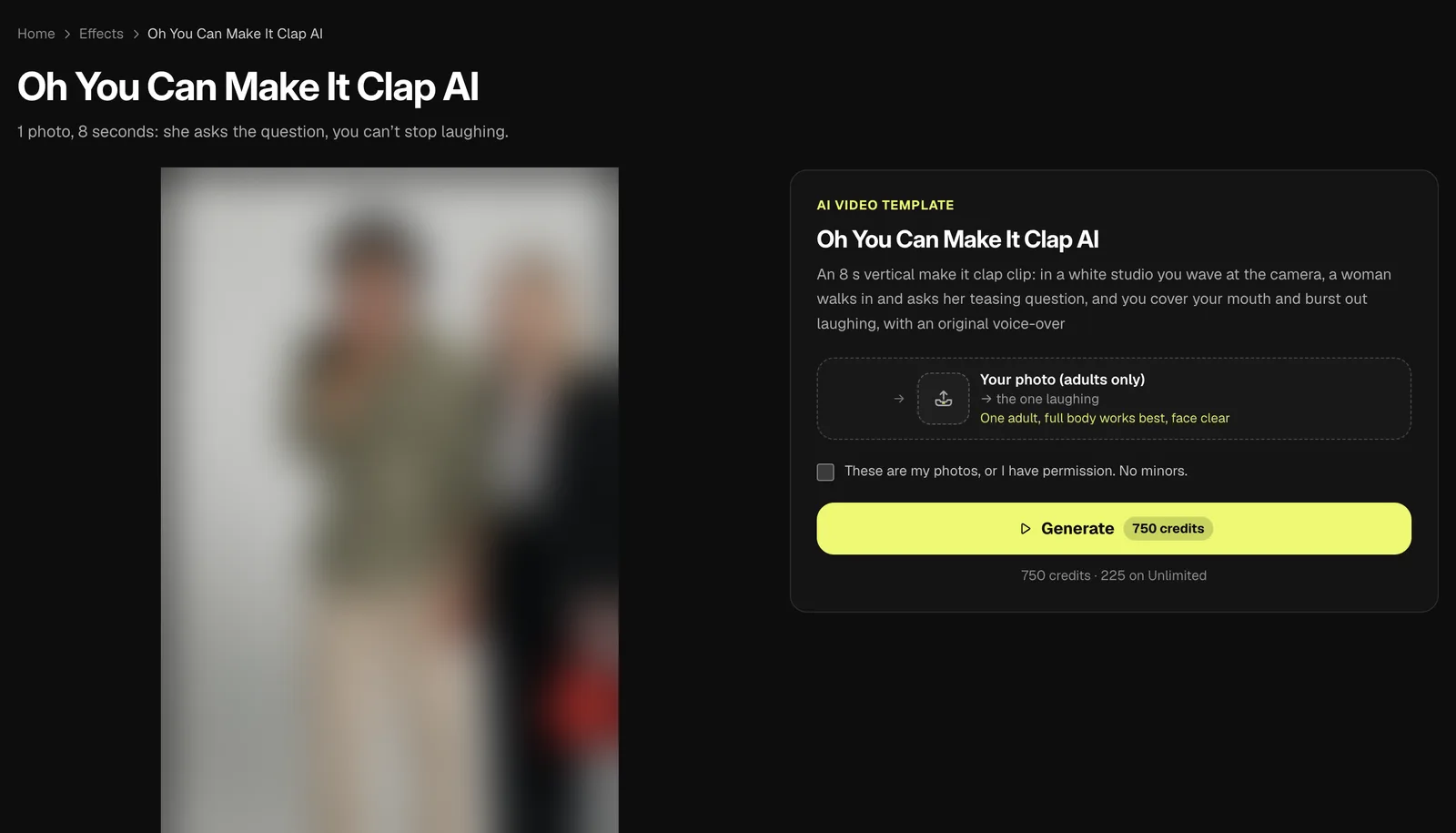
| Vidlark | 1 | The woman is added | 8 s, 9:16 | AI voice-over | 750 credits; account needed | An 8-second laugh clip |
| CapCut templates | 1 (one template takes 2) | One photo slot | 15 s, landscape | In the template | Promos say free; viewers disagree | Staying inside CapCut |
Prices and specs as each page stated them on October 28, 2026.
What to Look for in an Oh You Can Make It Cap AI Generator
A good Oh You Can Make It Cap AI generator puts your two people through the whole scene — the 360, the laugh, "Oh, he tweaking". It also keeps the clip's sound in the file.
- The whole scene: Look for the ask, the spin, the laugh, the call-out and the comeback, not a cut-down edit.
- The sound in the file: Check that the export includes the clip's own audio so you don't have to sync it in an editor later.
- One photo or two: See whether the tool builds a partner when you've only uploaded a single face.
- Which clip: Check whether it's remaking the 2024 original white-studio footage or a later re-staging.
- Paying: Notice whether you see the price upfront and pay once, or if you've got to buy a monthly plan or sign in first.
To get started, add one photo to our Oh You Can Make It Cap AI generator and press Create.
1. Seadanse Oh You Can Make It Cap AI: Best for 1 or 2 Photos and the Clip's Own Sound
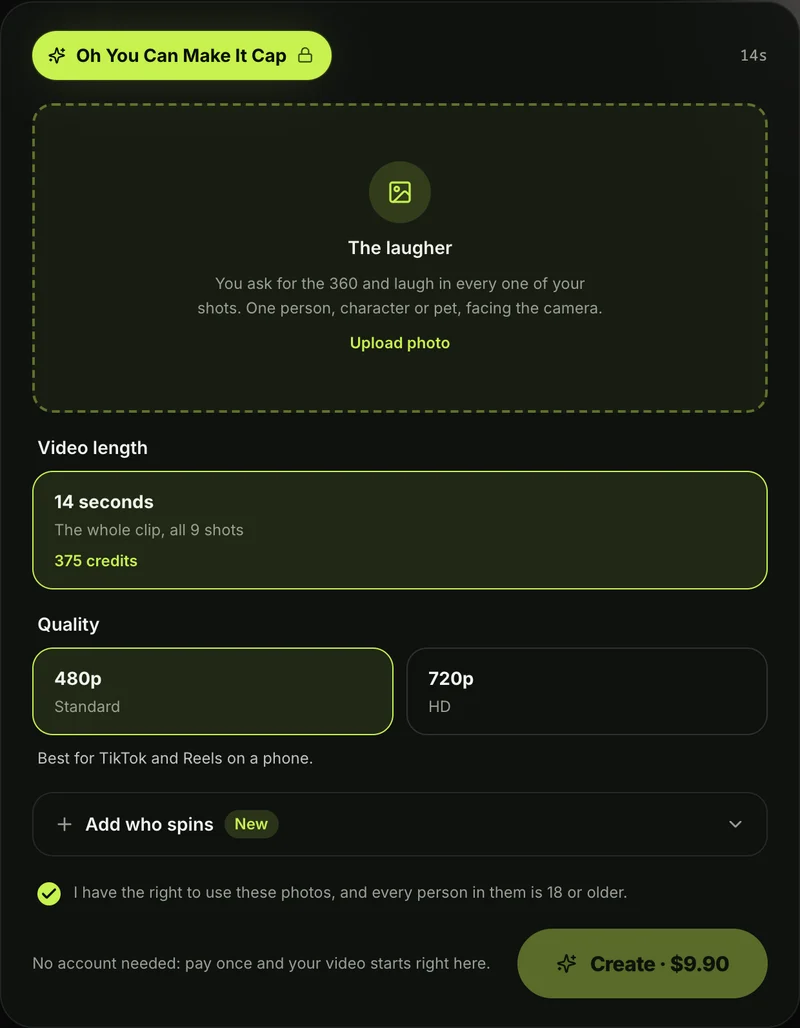
Seadanse Oh You Can Make It Cap AI gives you the complete 2024 white-studio scene with the original audio directly in your export.
- What you add: You add 1 photo, and a second if you want.
- Who laughs, who spins: Photo 1's the one who asks for the 360, says the line and laughs for five of the nine shots. Photo 2 flips their hair, spins and says "Oh, he tweaking" to the camera across the other four shots.
- No second photo: The page creates a made-up adult partner, cast like a dating-show partner, with hair that's long enough for the hair flip.
- Who can go in: People, pets, cartoon and game characters work. Faces, hair, build and outfits come directly from your photos.
- What you get: You get one video of about 14 seconds that remakes the 2024 white-studio clip shot for shot across nine shots. It's cut on the same frames with one person per shot, wide like the original clip. Exports come as an MP4 at 480p or 720p with no watermark.
- The sound: The clip's own sound sits under the video from the first second, including the ask, "Ooh, can you make it clap?", the laugh, "Oh, he tweaking", and "I'm tweaking, how?".
- How you pay: One 720p video costs $9.90, paid once, with no sign-up and no subscription. The same pack covers a 480p video, and one photo or two cost the same. Pack credits stay valid for 12 months, and failed videos get their credits back automatically on Seadanse pricing.
- More effects: It sits alongside the rest of our AI video effects, where you pick an effect, add a photo and get a short video where there's no prompt to write.
2. ohyoucanmakeitcap.com: Best for a Two-Photo Remake of the October Studio Version
ohyoucanmakeitcap.com remakes a later studio recreation rather than the viral 2024 dating-show original.
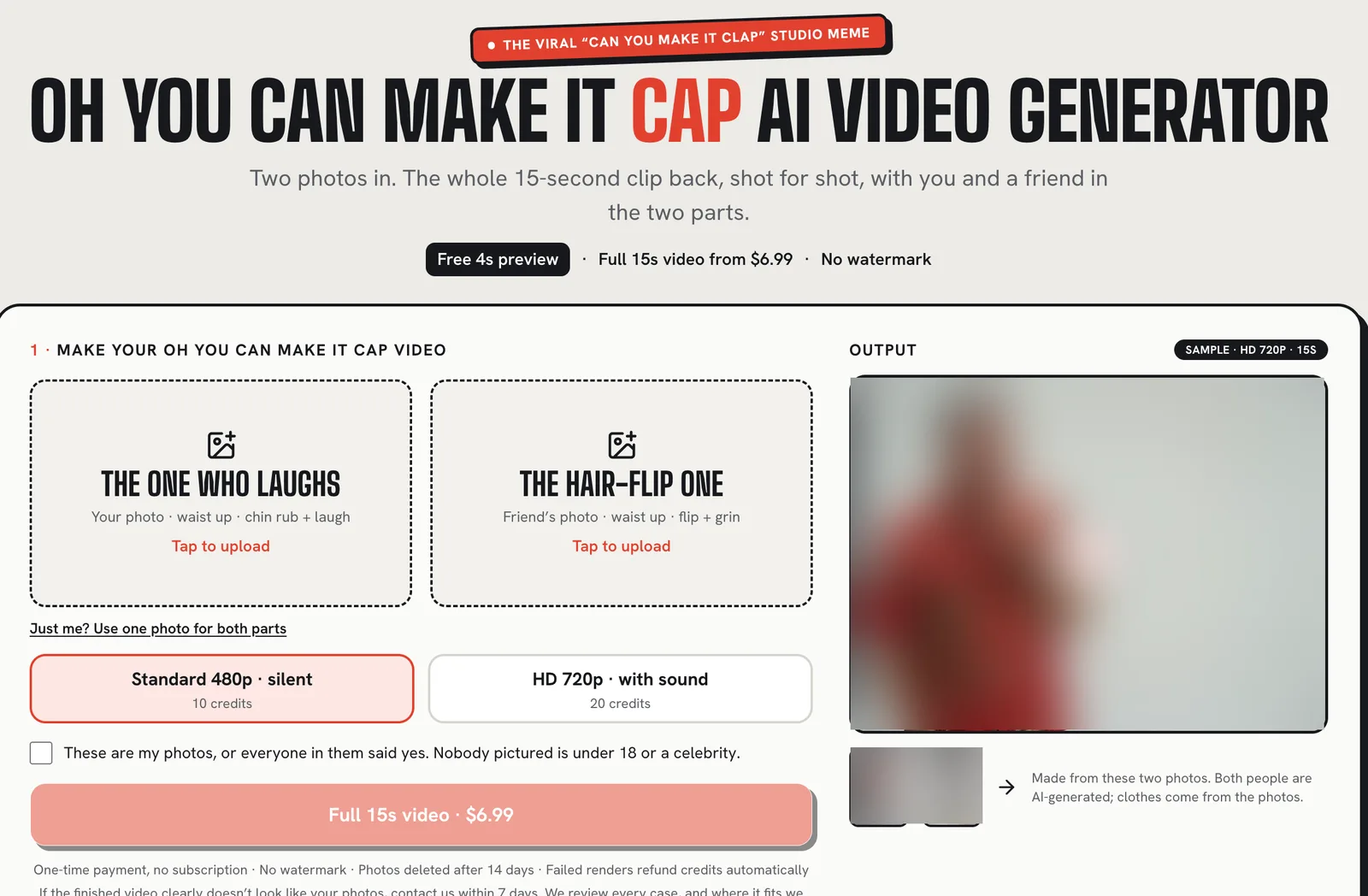
- What you add: It asks for two photos on its two-photo remake page. Photo 1 "plays the one who laughs: the chin rub, the smirk, the laugh behind the hand", while photo 2 "flips their hair, does the 360 spin and grins into the mic".
- One photo option: If it's "Just you? Use one photo for both parts."
- The clip: It remakes "a 15-second studio edit in plain light grey, two people in suits, a small mic" from October 2026, stating "We don't make the original dating-show clip."
- Output and sound: You get a 15-second wide export in "Standard 480p · silent" or "HD 720p · with sound".
- How you pay: It costs $6.99 for one 480p silent video and $9.99 for one 720p video with the original sound. You can also pay $16.99 for two HD videos, or $24.99 for three HD videos.
- Account rules: A free 4-second first shot at 480p silent is available for signed-in accounts with a verified email, limited to one per account and device. Failed videos refund credits, and unused credits are refundable within 7 days.
3. youcanmakeitcap.com: Best for a Vertical One-Photo Oh You Can Make It Cap AI Video
youcanmakeitcap.com focuses on a vertical cut of the meme where you take the laughing seat from a single upload.
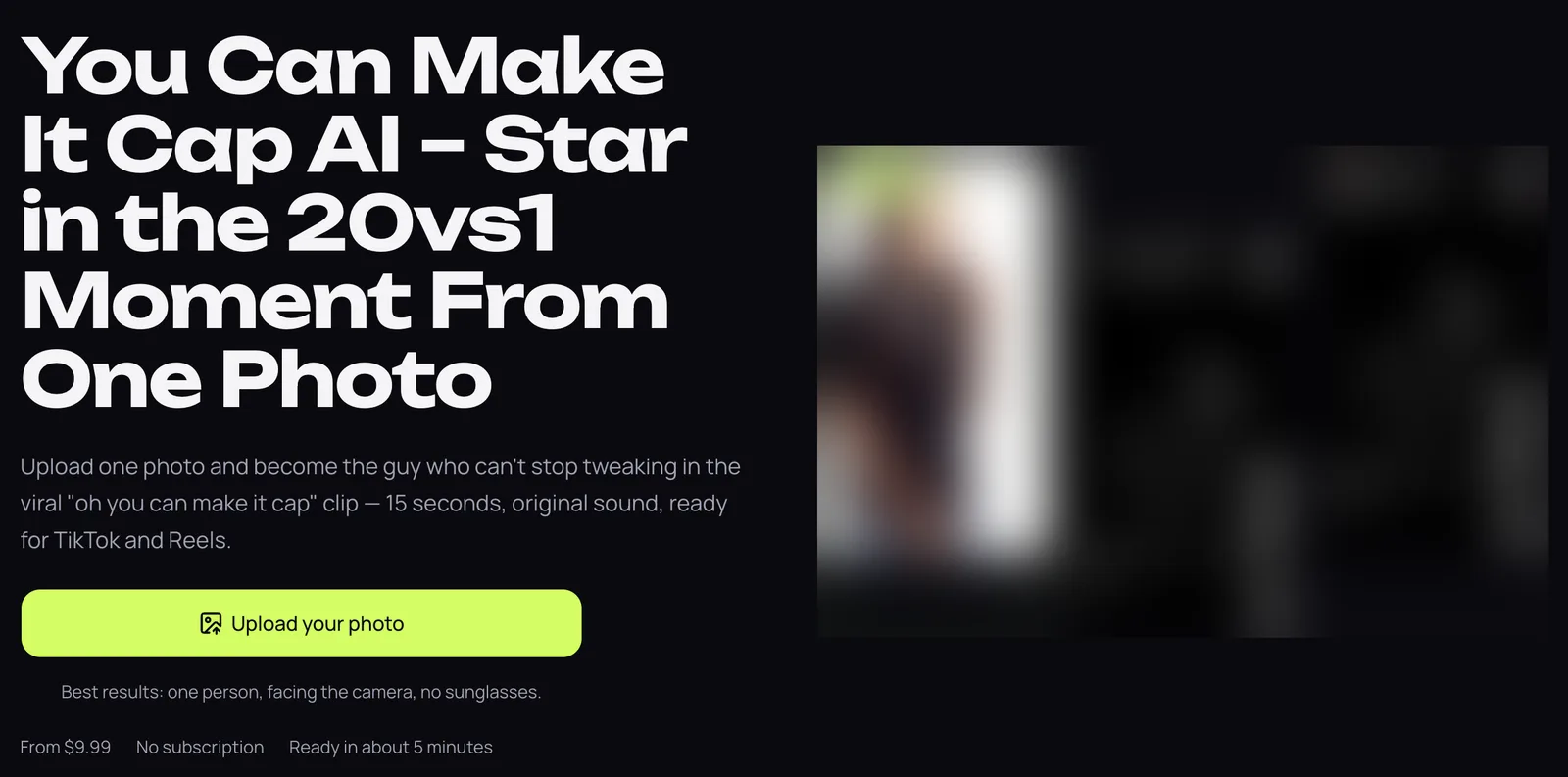
- What you add: The site tells you to "Upload one photo and become the guy who can't stop tweaking" on its one-photo upload page.
- What you get: It delivers a "15 seconds, original sound" clip exported "as a vertical MP4".
- How you pay: You'll pay $9.99 for 3 credits, which is "Enough for 1 480p video of 15s", or $19.99 for 6 credits, which is "Enough for 1 HD 720p video of 15s".
- Delivery: The site notes that "Credits never expire" and it'll email you when the video's ready.
4. Reeldo: Best Oh You Can Make It Cap AI Generator for Putting Your Pet in the Laugh
Reeldo lets you swap your own pet into the scene's primary laughing role.
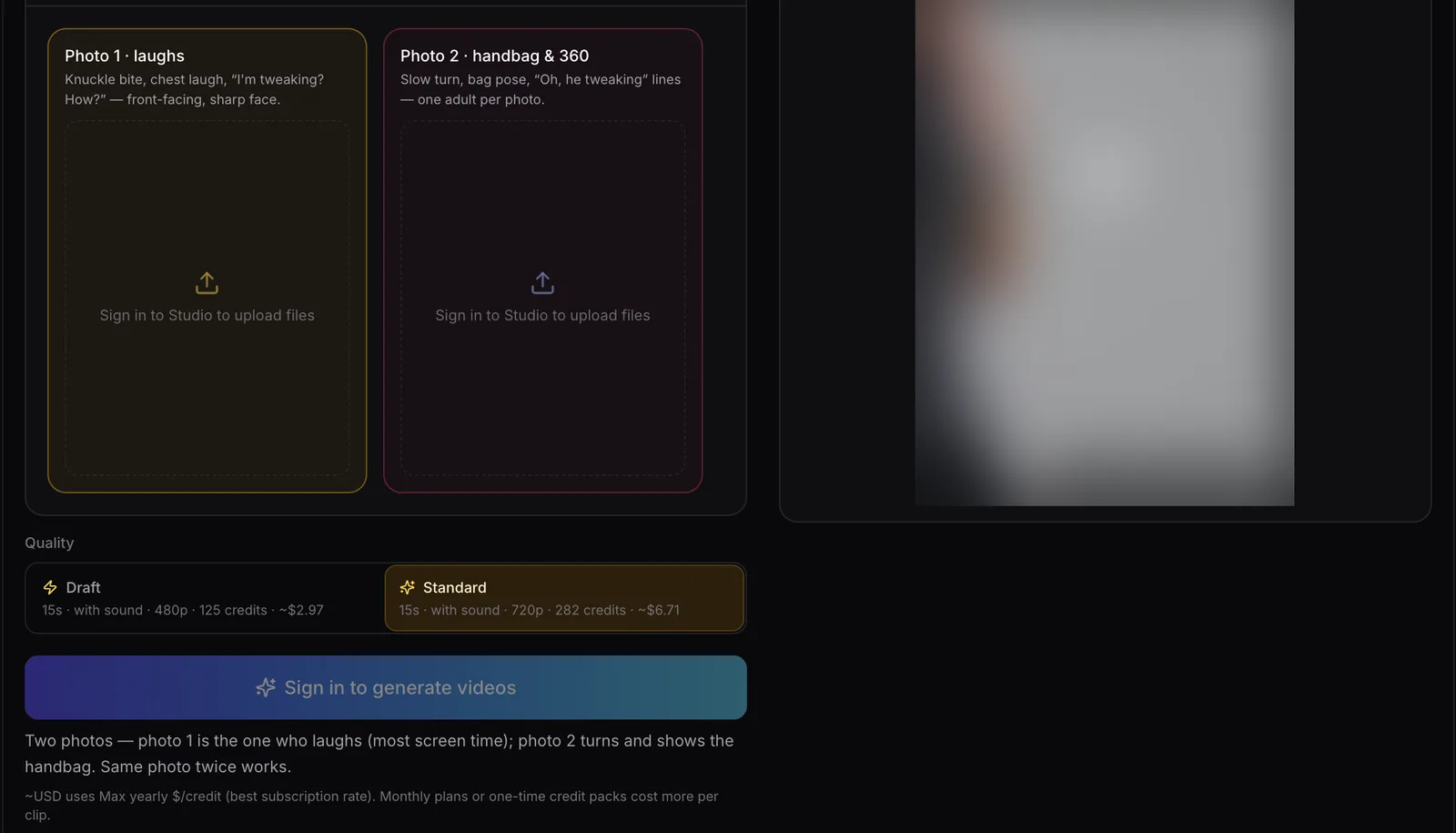
- What you add: You "Upload 1–2 photos — photo 1 laughs, photo 2 does the 360 and handbag" on Reeldo's trend generator. The page notes that the "Same photo twice works", and it'll let your own pet take the laugh role.
- Output and sound: It's about 15 seconds in 16:9 widescreen format, listed as "with sound".
- How you pay: Generating needs an account sign-in, costing 125 credits for a 480p video or 282 credits for a 720p video.
5. Oakgen: Best for Keeping One Character From Its Own Reference Reel
Oakgen lets you supply one face while keeping a character from its own reference footage.
- What you add: Oakgen takes "1–2 photos" where you can "Add both to cast the whole skit, or add one and keep the other from the reference" on the Oakgen trend interface.
- The scene: Its reference footage features "the hat character and the handbag character" standing "against a plain grey studio backdrop". The page notes that "The preview is the reference reel, not an Oakgen result."
- Output and sound: The result's a 15-second "landscape MP4 with sound".
- How you pay: You'll need to sign in to the site, and it's 3,173 credits for a 720p video.
6. Summrs: Best for a 16:9 Two-Photo "You Tweaking" Clip
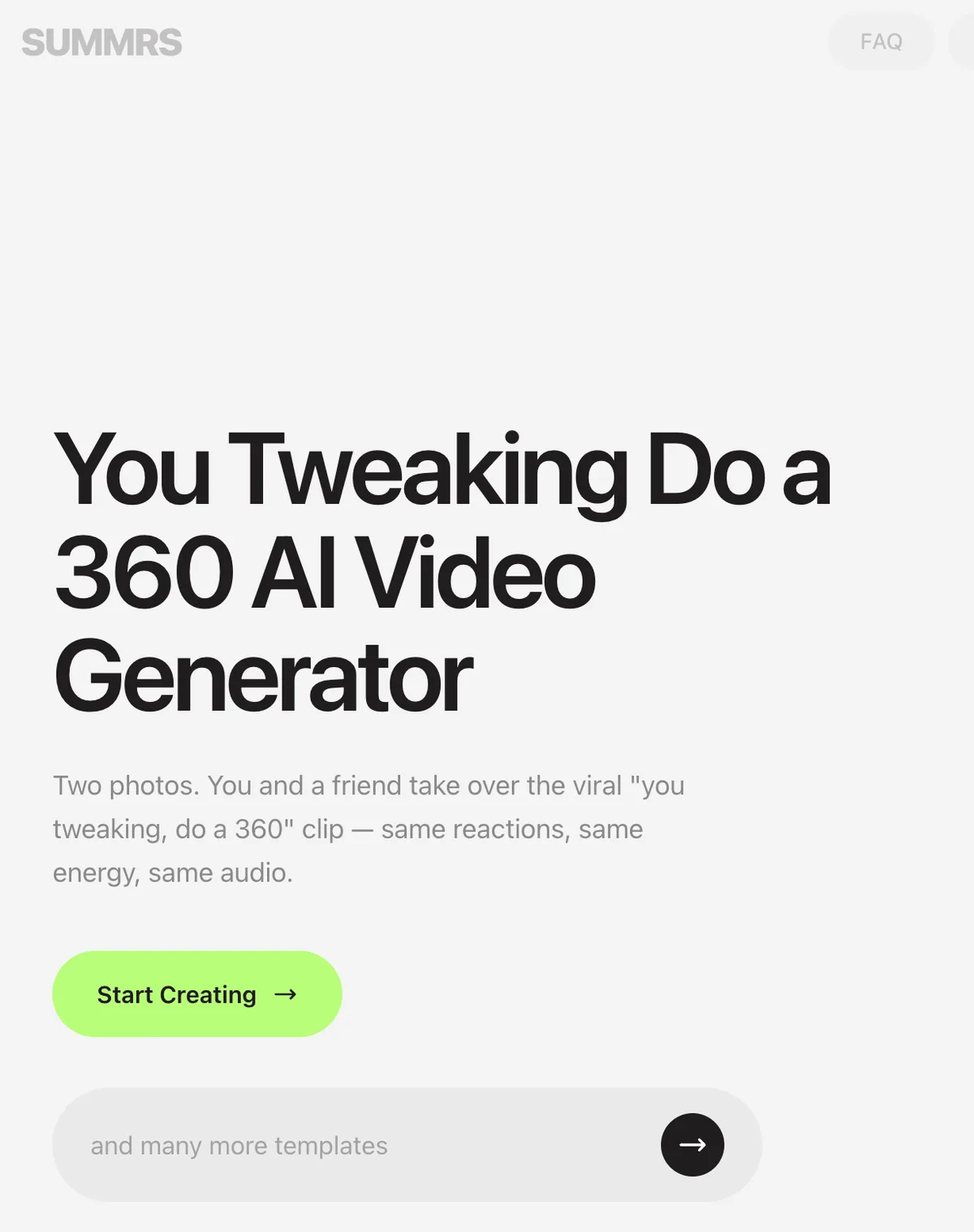
Summrs builds a widescreen two-person remake under the "you tweaking" title.
- What you add: The generator asks for "Two photos. You and a friend take over the viral 'you tweaking, do a 360' clip — same reactions, same energy, same audio" on the Summrs generator page.
- Casting: The site explains that "Photo 1 takes the lead role, Photo 2 takes the other."
- Output and sound: You'll receive "a horizontal 16:9 clip with the original audio and no watermark. About 14 seconds".
- How you pay: You get "50 credits free when you sign up", while top-ups cost "as little as $5 for 50 credits", and "Subscriptions start from $15/month". The page notes that "Templates range from 10 credits onwards", though this specific template's credit cost isn't stated.
7. Starrd: Best Can You Make It Clap AI Template for Adding Your Own Notes
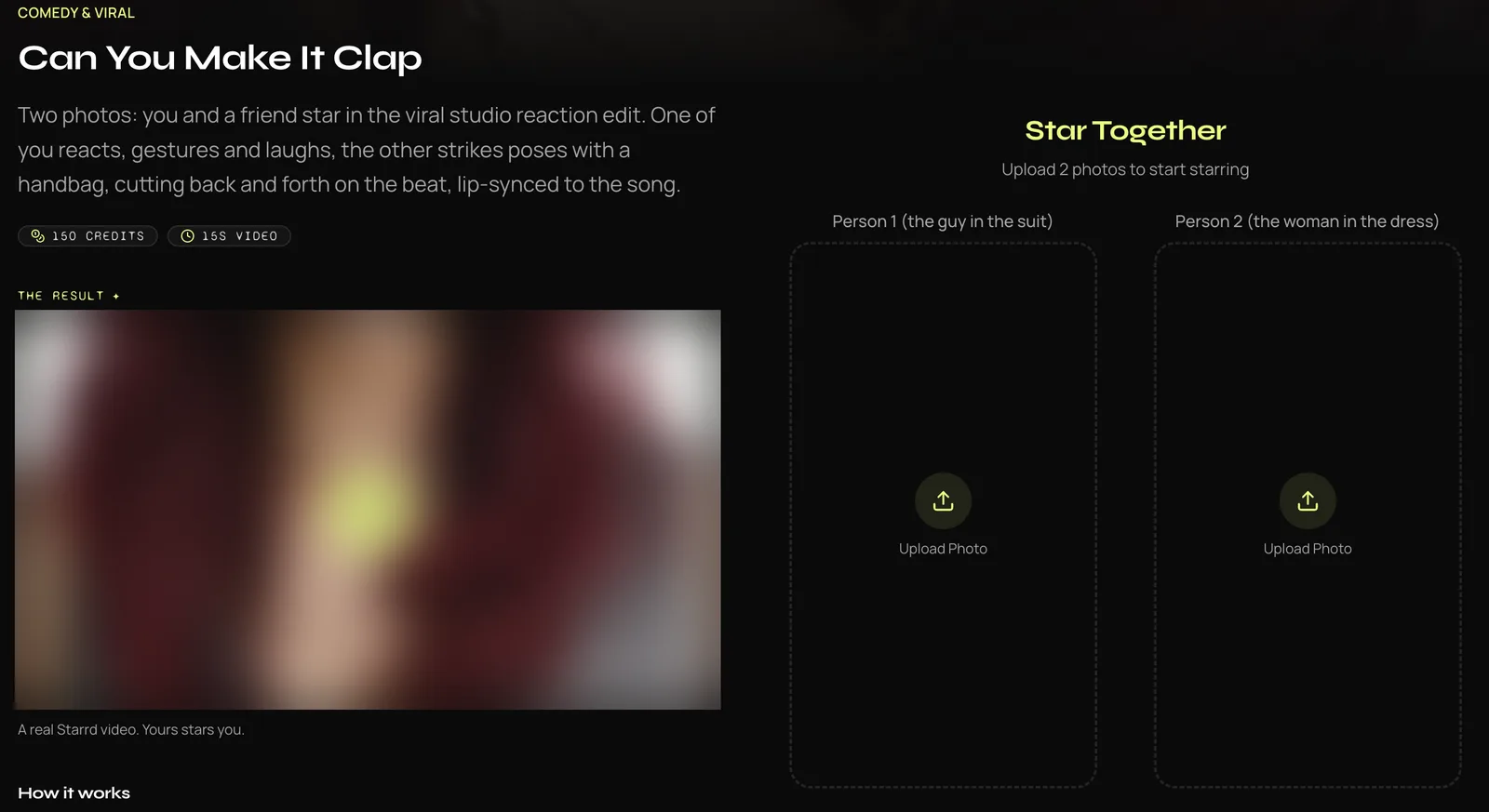
Starrd has a two-photo template under the "Can You Make It Clap" title that lets you include extra direction.
- What you add: The page asks for "Two photos: you and a friend star in the viral studio reaction edit" on Starrd's reaction edit page. It also includes an optional field that's labeled "Director's Notes".
- Output and sound: The finished video runs for 15 seconds, and there's sound included.
- How you pay: Creating a video costs 150 Starrd credits and needs you to sign in. Credit packs start at $4.99 on the web for 100 credits, never expire, and there's no subscription.
8. MakeViral: Best for a Vertical 12-Second Version Where You Both Say the Lines
MakeViral creates a shorter portrait version of the skit where you both say the lines.
- What you add: The tool takes two photos, or one that's paired with an AI-made partner, on the MakeViral template page.
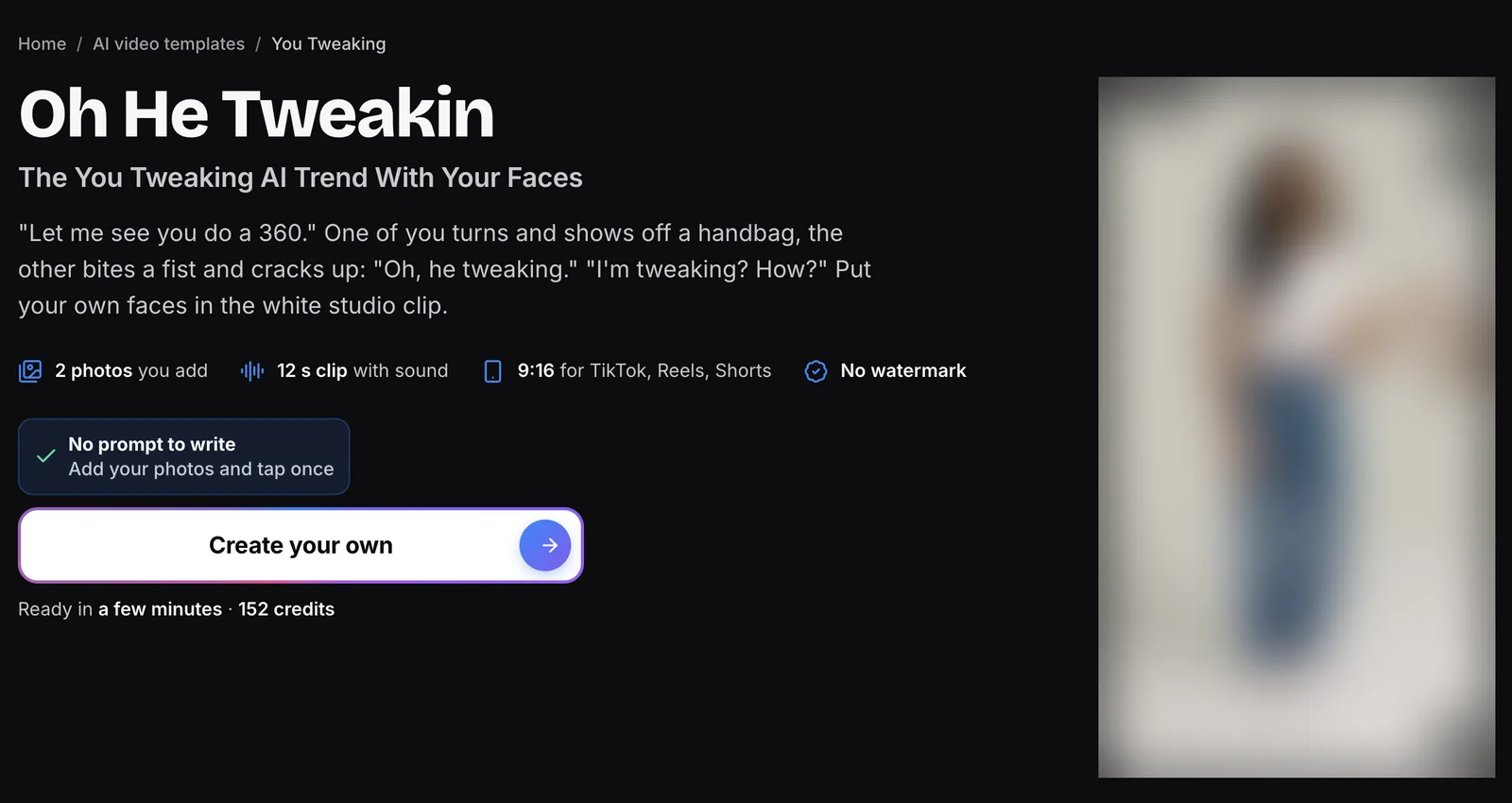
- The scene: The service "remakes it in a white studio with your faces, and you both say the lines".
- Output: It's a 12-second export formatted as "a 9:16 MP4" at 720p.
- How you pay: One video's 152 credits, so the smallest one-time pack that covers it is $39.99 for 450 credits, with no subscription.
9. Vidlark: Best for an 8-Second One-Photo Laugh Clip
Vidlark cuts the trend down to an eight-second vertical clip focused on the laughing reaction.
- What you add: It runs from "1 photo, 8 seconds" on the Vidlark effect listing.
- The scene: The description states "a woman walks in and asks her teasing question, and you cover your mouth and burst out laughing", meaning the woman is added automatically rather than from an uploaded photo. Eight seconds covers the question and the laugh.
- Output and sound: You get a "Vertical 9:16" export that's made with "an original AI voice-over and laughter".
- How you pay: An account's needed, and videos cost 750 credits for 480p or 1,500 credits for HD.
10. CapCut Templates: Best Oh You Can Make It Cap Route if You Already Use CapCut
CapCut templates offer an in-app path for creators who already edit videos inside CapCut.
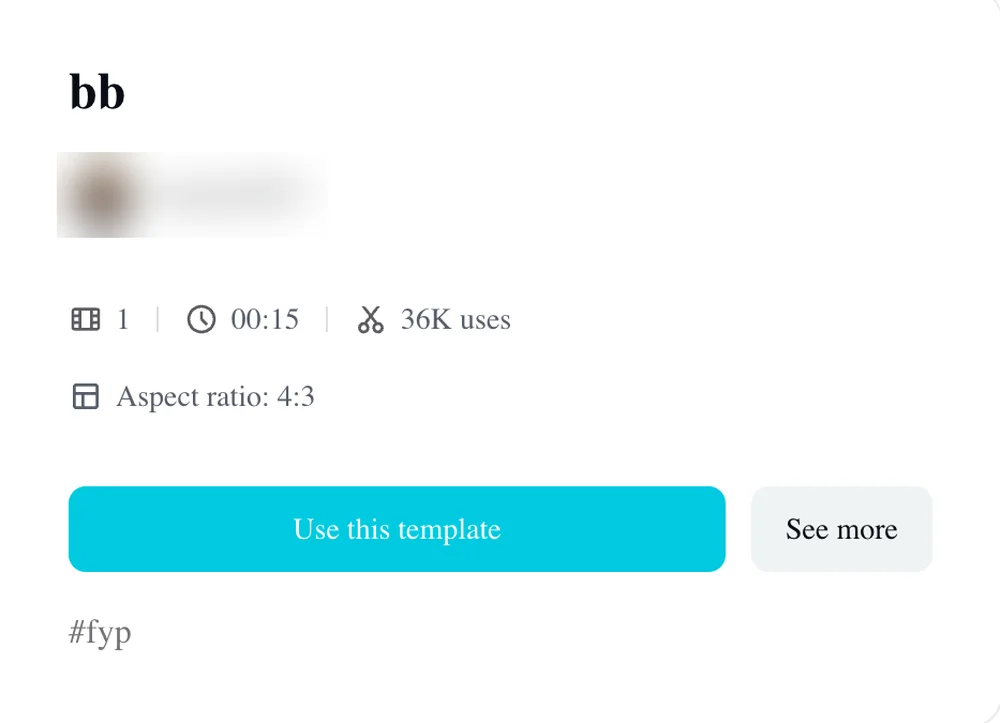
- What it is: A CapCut template's an edit someone already built in the CapCut app, with a slot for your photo, which TikTok promos frequently link.
- Template options: The most-used option, titled "bb", had 35,447 uses on October 28, 2026, on the bb template on CapCut. It runs 15 seconds wide with 1 photo slot. Another template titled "oh you can make" offers 2 photo slots and that's got 1,324 uses.
- User feedback: Promos call the template "totally for free", but viewers under those videos write comments like "Don't work btw" and "don't waste your time it's not free".
- Troubleshooting: You can read why the Oh You Can Make It Cap CapCut template fails to see where the template trips people up.
How We Picked These Oh You Can Make It Cap AI Generators
We picked these Oh You Can Make It Cap AI generators from every tool page we found for "oh you can make it cap ai" and under the clip's other names, read on October 28, 2026, plus the CapCut templates the TikTok promos link.
- Finding the tools: Two sites are named directly after the trend. Seven other tools already had live pages under alternative titles like "can you make it clap" and "you tweaking", alongside the templates that're linked in TikTok promos.
- Exclusions: One other tool named Smew stated that its option for this clip was paused, warning visitors "Do not purchase credits specifically for this paused option", so we've left it off our list.
- Fair reading: We didn't buy anyone else's video. Every detail, feature and price point in this guide comes directly from each tool's own public page on October 28, 2026.
- Unsponsored: No entry on this list is sponsored, and there's no tool that paid to appear here.
- The prompt route: If you prefer doing it yourself, you can use a video tool that takes two photos and a reference clip. Paste an Oh You Can Make It Cap AI prompt for all nine shots into it.
Oh You Can Make It Cap AI Generator FAQ
Is there a free Oh You Can Make It Cap AI generator?
No tool we read gives the full video free. On ohyoucanmakeitcap.com, you get a free 4-second first shot when you sign in with a verified email. Summrs gives 50 credits at sign-up, but doesn't state the cost of this specific template. CapCut promos claim the template is "totally for free", but viewers write "don't waste your time it's not free". Seadanse's video is $9.90 at 720p, paid once with no sign-up needed.
Which Oh You Can Make It Cap AI generator keeps the original sound?
Seadanse, youcanmakeitcap.com, Reeldo and Summrs keep the clip's sound in the final export file. On ohyoucanmakeitcap.com, audio's included only on the 720p video, leaving the 480p version silent. Vidlark replaces the audio with "an original AI voice-over", while MakeViral has you both say the lines instead.
Can I make an Oh You Can Make It Cap AI video from one photo?
The Oh You Can Make It Cap AI page on Seadanse automatically creates a partner when you've only uploaded one photo. Other sites handle one image differently: ohyoucanmakeitcap.com uses your single photo for both roles. Meanwhile, youcanmakeitcap.com and Vidlark place you as the laughing character alone, and Summrs and Starrd need two photos before starting.
Which version of the clip do these tools remake?
Seadanse and most other tools remake the 2024 white-studio original dating-show clip. In contrast, ohyoucanmakeitcap.com remakes an October 2026 studio recreation showing two people in suits, and Oakgen uses its own reference reel. If you'd like step-by-step instructions on setting up your faces, read how to make an Oh You Can Make It Cap AI video.
Which Oh You Can Make It Cap AI Generator Should You Use?
Choosing an Oh You Can Make It Cap AI generator comes down to how many photos you have, what crop you want and how you prefer to pay.
- 1 or 2 photos, the clip's sound, no sign-up: Seadanse's Oh You Can Make It Cap AI.
- The October suits version: ohyoucanmakeitcap.com.
- A vertical one-photo clip: youcanmakeitcap.com.
- Your pet in the laugh: Reeldo.
- Notes for the scene: Starrd.
- You already live in CapCut: The "bb" template.
If you want the complete nine-shot scene from the original clip with the real audio intact, upload your photos to make an Oh You Can Make It Cap AI video on Seadanse. You can finish your video without an account or subscription for $9.90 at 720p.
Written by The Seadanse Team, the team that built the Oh You Can Make It Cap AI page.
Related Articles
- How to Make an Oh You Can Make It Cap AI Video From 1 or 2 Photos (4 Steps) — add your photos, pick a quality, press Create.
- Oh He Tweakin Meme: The 'Can You Make It Clap' Clip and Its AI Remakes — what the line means, where the 2024 clip comes from, and how the AI versions took over.
- Oh You Can Make It Cap CapCut Template: Where It Is and Why It Fails — the templates, the promo steps, and the fixes.
- Oh You Can Make It Cap AI Prompt (Copy-Ready): All 9 Shots — a full prompt for the nine shots, to use in a video tool yourself.


