
Oh You Can Make It Cap CapCut Template: Where It Is and Why It Fails
The Oh You Can Make It Cap CapCut template: find its link, use its 1-photo slot, see why people say it fails, or try Seadanse's 1-or-2-photo route.
 The Seadanse Team8 min read
The team behind Seadanse. We run the models we write about, and we publish the specs, prices and limits the marketing leaves out.

TL;DR — The most-used Oh You Can Make It Cap CapCut template is "bb", with 35,447 uses on October 28, 2026. You open it from a TikTok promo's link and add 1 photo. People under the promos say it doesn't work or isn't free, and one popular template's page showed no template on October 28. To skip the template, add 1 or 2 photos to Seadanse's Oh You Can Make It Cap AI page and get the whole 14-second scene with its sound for $9.90.
The promos promise the Oh You Can Make It Cap CapCut template is "totally for free" and "Super easy". You tap the clip, open the app, and hope to make the scene.
Instead, things stall out. Viewers run into empty pages, missing buttons, or payment screens.
Under one promo that claimed the template was simple, a viewer wrote "Don't work btw".
We'll show you which template is which, the exact steps to try, the five reasons people say it fails, and the route that skips CapCut completely.
Where Is the Oh You Can Make It Cap CapCut Template?
The Oh You Can Make It Cap CapCut template opens from the link in a TikTok promo video, and CapCut also shows it on its website. A CapCut template is an edit someone already built in the CapCut app, with a slot for your photo.
Here are the three templates we found:
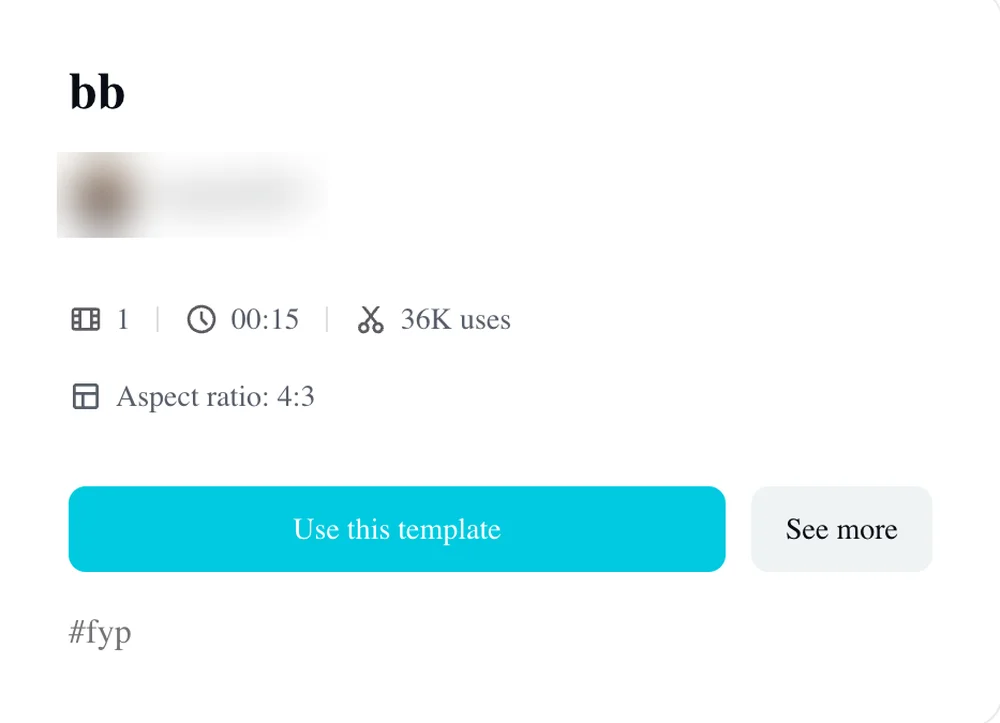
- "bb": The CapCut page for "bb" had 35,447 uses on October 28, runs for 15 seconds in landscape, and has 1 photo slot. It was made on October 22, 2026. It had 9,709 uses on October 25 and 22,060 on October 26.
- "a": This template was made on October 24, 2026, ran for 16 seconds with 1 photo slot, and had 14,583 uses on October 27. On October 28, its CapCut page showed no template.
- "oh you can make": This version was made on October 24, 2026, runs for 15 seconds in landscape, has 2 photo slots, and reached 1,324 uses on October 28.
We checked 106 promo videos for the trend, and 73 of them link "bb".
How Do You Use the Oh You Can Make It Cap CapCut Template?
To use the Oh You Can Make It Cap CapCut template, you copy a promo video's link, open the template in CapCut, add a photo and tap next. The creator's voice-over walks through the steps directly:
- The link: Tap the little arrow in the bottom right corner to copy the link.
- The template: Tap this template, or if you can't find it, head over to the creator's profile and open the video again so the template will pop right up.
- The action buttons: Hit the red button and after that tap the blue button.
- The upload: Upload any photo you want.
- The finish: Tap next and go try it out now.
You don't write a prompt, because the template carries the clip.
Why Isn't the Oh You Can Make It Cap CapCut Template Working?
The Oh You Can Make It Cap CapCut template fails for people for five reasons we can see in the pages and the comments.
We read about 2,700 comments under 33 trend videos, and viewers keep running into the same problems.
Check That the Template Still Exists
A template's page can go blank. The template named "a" had 14,583 uses on October 27, but on October 28 its page showed no template at all.
If the link you tapped goes to a dead screen, go back to the promo creator's profile as the promo says ("If you can't find it, head over to my profile"), or switch over to "bb".
Check Whether CapCut Offers It Where You Live
CapCut's template pages check where you are. When we fetched the template pages on October 28, CapCut marked "bb" as not available in our region, even while the public counter still logged fresh uses.
If the template won't open on your phone, CapCut may not offer that specific file in your country.
Expect to Pay, Whatever the Promo Says
Promos claim the effect is "totally for free" or "completely free", but users report hitting paywalls. Under another promo video advertising the template, a viewer warned: "don't waste your time it's not free".
We don't track CapCut's internal fees, but you shouldn't assume you can finish the export without paying.
Use the Right Number of Photos
Check how many pictures the template asks for before you start. Both "bb" and "a" give you 1 photo slot, even though the original scene features two people talking to each other.
One photo slot means one picture goes in for a two-person scene, while only "oh you can make" offers 2 photo slots.
Get CapCut From Your App Store Only
Download CapCut directly through your phone's app store rather than tapping links in promo comments. Under one promo video for the trend, a viewer warned: "GUYS ITS A FAKE CAPCUT APP THEIR USIJG ON TH TWMPLATE DONT SOWNLOAD IR".
Never install an app package shared inside a video caption or a comment thread.
How to Make the Oh You Can Make It Cap Video Without a CapCut Template
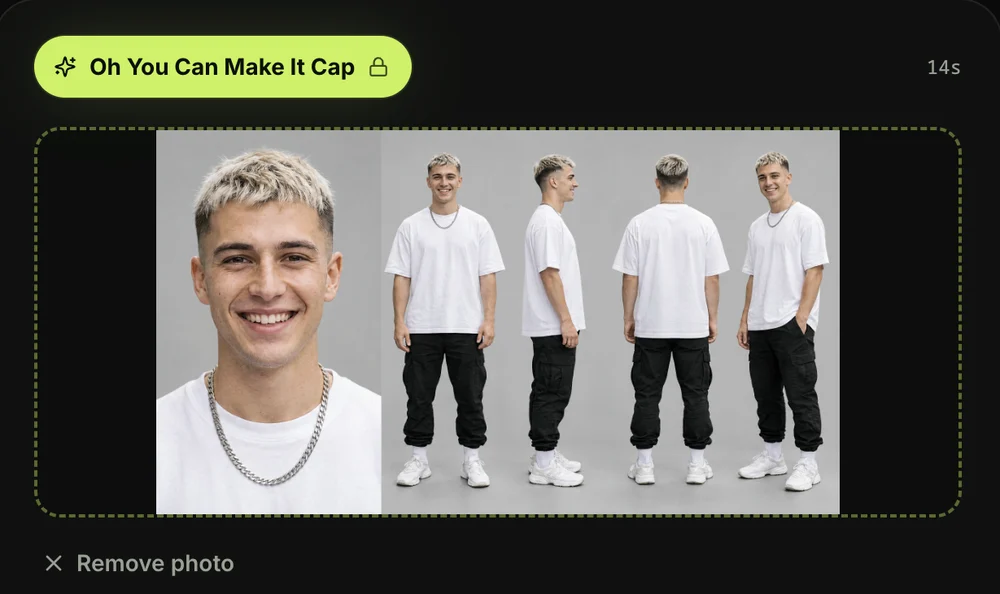
You can make the Oh You Can Make It Cap video without a CapCut template on Seadanse's Oh You Can Make It Cap AI generator. It works in your browser, from 1 or 2 photos. It rebuilds the 2024 white-studio clip with all nine cuts and timing intact.
- Photo 1: Upload the person who asks for the spin, says the line, and laughs.
- Photo 2: Upload the person who flips their hair, spins, and says "Oh, he tweaking", or leave it blank to let the generator supply a partner.
- The video: You get an MP4 video of about 14 seconds in landscape at 480p or 720p. It's cut on the original nine shots, with no watermark and with the clip's sound included.
- The price: One 720p video costs $9.90, paid once with no membership, and failed jobs return credits automatically.
You don't need an app, a link to copy, or a text prompt.
You can check the 4 steps for an Oh You Can Make It Cap AI video to see how the browser flow works from start to finish.
Other Ways to Make the Oh You Can Make It Cap AI Video
Other video tools let you build the scene if you don't want to use CapCut. In one video app, you can tap a Recreate button, paste the TikTok link as a reference clip, add two photos. Then you generate a 10-second 720p file for 150 credits.
You can also explore web tools built for this scene in our guide to Oh You Can Make It Cap AI generators compared.
Oh You Can Make It Cap CapCut Template FAQ
Is the Oh You Can Make It Cap CapCut template free?
Promos say the template is "totally for free", but viewers frequently comment that it isn't. We can't state what CapCut charges inside its app. On Seadanse, one 720p video is $9.90, paid once.
Why can't I find the Oh You Can Make It Cap template in CapCut?
The template page for "a" went blank on October 28, meaning templates can vanish at any time. CapCut's template pages also check your region. If search turns up nothing, open the creator's TikTok profile to find their direct link again.
Can I use two photos in the CapCut template?
Most versions do not accept two photos. The popular "bb" and "a" templates only give you 1 photo slot. Only the "oh you can make" template has 2 photo slots.
What is the sound in the Oh You Can Make It Cap template?
The sound is the original audio from the 2024 white-studio dating clip. It features the dialogue where he asks for a 360 and she replies, which we explain in our look at where the Oh He Tweakin meme comes from.
Skip the Oh You Can Make It Cap CapCut Template
CapCut templates for this trend can go blank, check your region, or ask you to pay. Instead of chasing broken links, you can make an Oh You Can Make It Cap AI video on Seadanse with 1 or 2 photos in your browser. It's $9.90 at 720p. You'll get the full 14-second studio scene with the original sound and nine complete cuts.
Written by The Seadanse Team, the team that built the Oh You Can Make It Cap AI page.
If you prefer building scenes in custom video tools, read the Oh You Can Make It Cap AI prompt for the full breakdown of all nine shots.
Related Articles
- How to Make an Oh You Can Make It Cap AI Video From 1 or 2 Photos (4 Steps) — add your photos, pick a quality, press Create.
- Oh He Tweakin Meme: The 'Can You Make It Clap' Clip and Its AI Remakes — what the line means, where the 2024 clip comes from, and how the AI versions took over.
- Best Oh You Can Make It Cap AI Generators (2026): 10 Ways Compared — the sites and apps that make this video, side by side on photos, length, sound and price.
- Oh You Can Make It Cap AI Prompt (Copy-Ready): All 9 Shots — a full prompt for the nine shots, to use in a video tool yourself.


