
How to Make a Yamal Dance AI Video From One Photo (3 Steps)
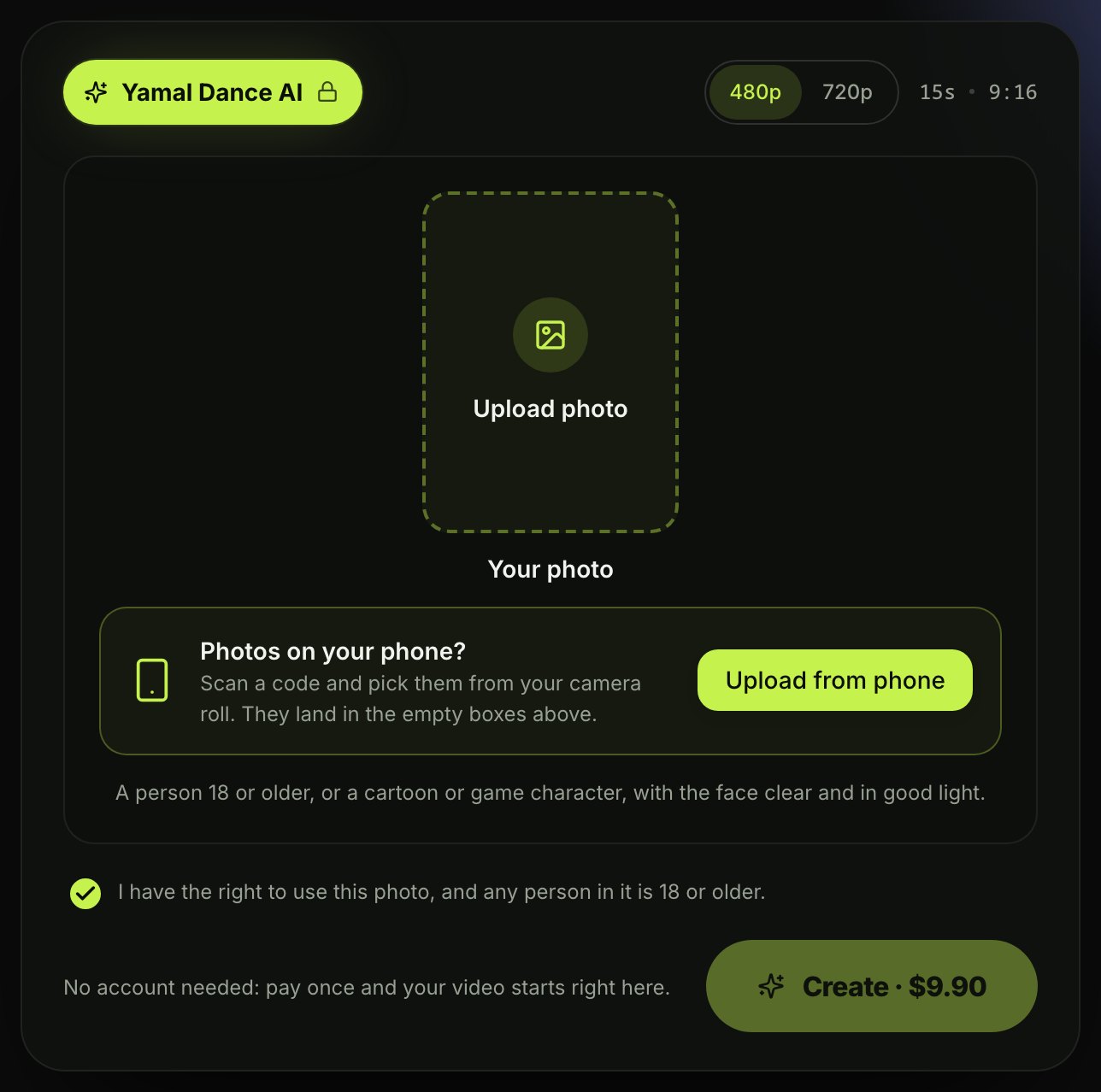
How to make a Yamal dance AI video takes one photo and three steps on Seadanse, for a 15-second 9:16 video with the reel's original sound, $9.90
 The Seadanse Team7 min read
The team behind Seadanse. We run the models we write about, and we publish the specs, prices and limits the marketing leaves out.

TL;DR — To make a Yamal dance AI video, you add 1 photo on Seadanse's Yamal Dance AI page, pick 480p or 720p, leave the box ticked and press Create — 3 steps. You get a 15-second 9:16 video for TikTok and Reels of you dancing the Yamal dance across a banquet hall's red-and-white floor. You walk up to the camera and end on a big smile, with the reel's original sound. $9.90 covers one video at 480p or 720p, paid once, with no account.
The banquet-hall Yamal dance reel is everywhere, as it had 14.6 million views two days after it went up, so most people in your feed have already seen that hall. You want to be the one on that floor, but you don't need a banquet hall, the routine, or a template—just one photo. Here's the page you make it on.
What You Need to Make a Yamal Dance AI Video
You'll need one photo and a web browser, and that's it.
- One photo: One person 18 or older (you, or a friend with their say) or a cartoon or game character. The face is clear and in good light, the shot is full body or knees up, and you're in the clothes you want to dance in.
- A browser: A phone, tablet or computer; no app, no template, no prompt.
- Nothing else: The banquet hall, the dancers behind you, every move and the original sound are built into the Yamal Dance AI page.
Step 1: Add Your Photo to Yamal Dance AI
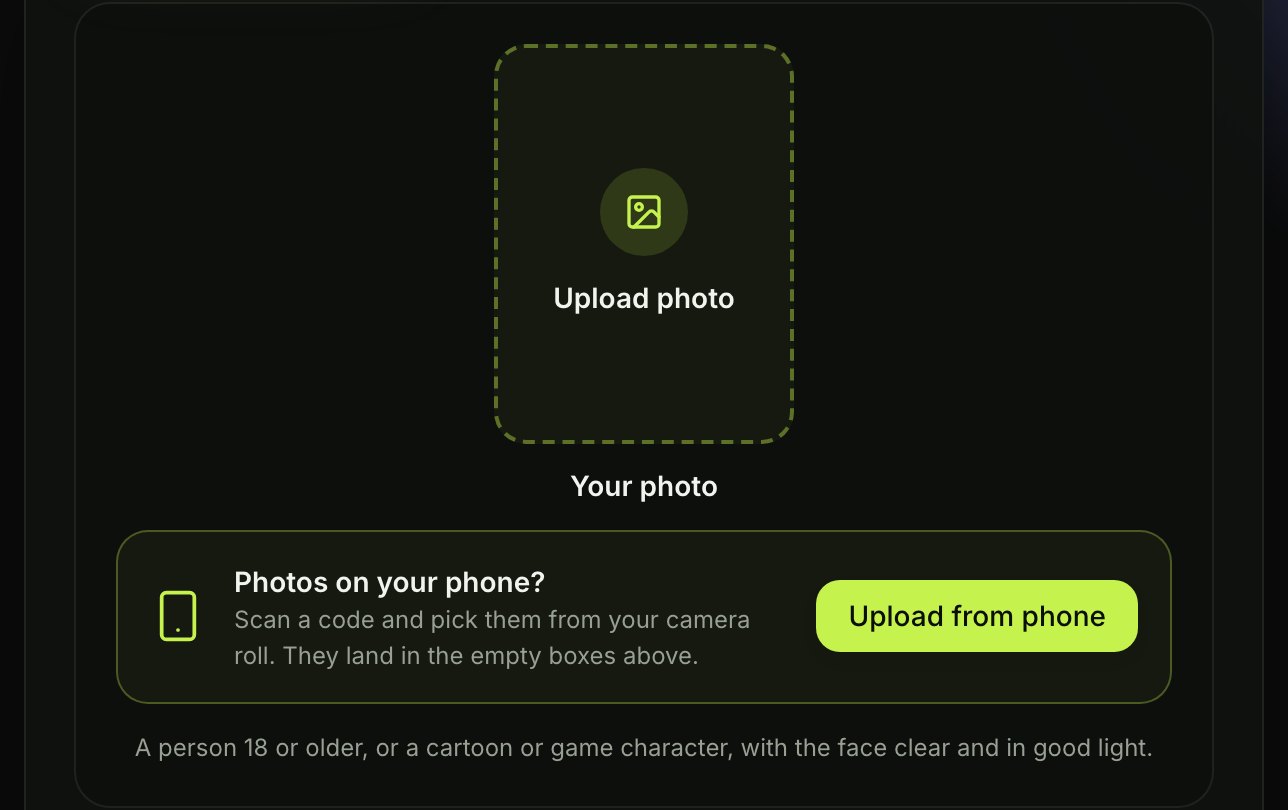
Add your photo in the "Your photo" box or press "Upload from phone" to scan a code and pick the image from your phone's camera roll.
Step 2: Pick 480p or 720p
You'll pick 480p or 720p here. 480p is picked when the page opens; 720p is the sharper one. The price shows on the Create button and reads $9.90 at both.

Step 3: Leave the Box Ticked and Press Create
Leave the box under the photo ticked and press Create to start.
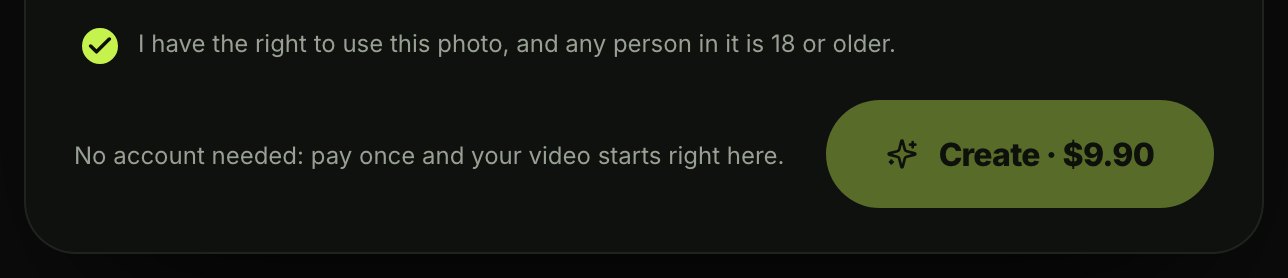
You'll pay once at checkout, and you don't need an account. See Seadanse pricing for details on how pay-once credits work.
If you want to keep your videos on another device later, you can open the link in the email Seadanse sends to the address you paid with and sign in.
The video starts right on the page, and you can download it with the sound. If a video fails, you'll get its credits back automatically.
What Your 15-Second Yamal Dance AI Video Looks Like
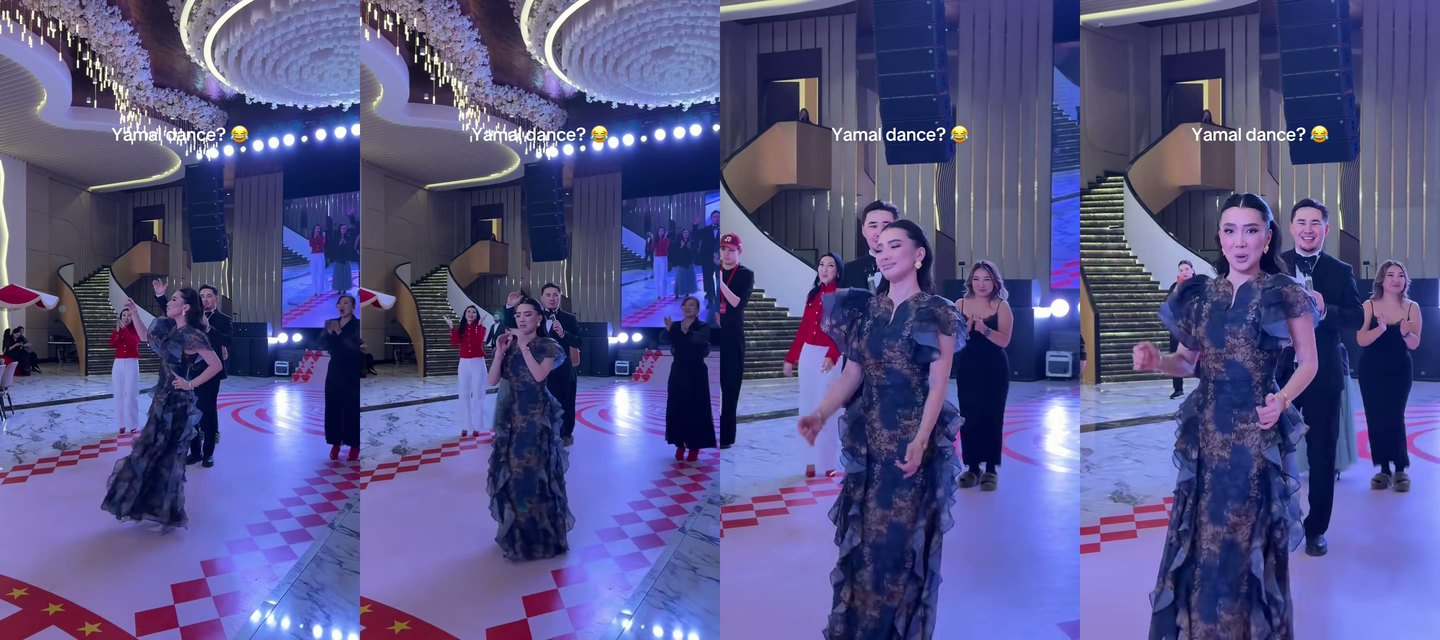
Your Yamal dance AI video lasts 15 seconds in one continuous take, and it follows the banquet-hall reel shot by shot.
Original clip: @thearunaaz on TikTok
- 0-4 seconds: You sway your hips with small steps on the red-and-white floor, hands at the waist, while the dancers behind you join in.
- 4-8 seconds: You point a finger up by your face and do shoulder shimmies and turns in the middle of the floor.
- 8-9.5 seconds: You dance toward the camera as it moves in.
- 9.5-15 seconds: You do shoulder shimmies and playful faces beside a man in a black tuxedo, ending with a big smile into the lens.
Original clip: @thearunaaz on TikTok
The reel's original sound plays with "Y Que Fue?" by Don Miguelo, which means "so what happened?" in Dominican Spanish.
Tips for a Better Yamal Dance AI Video
The best photo for a Yamal dance AI video is sharp, well lit and shows the outfit you want to dance in.
- The outfit: Your video keeps the clothes from your photo, so a party dress or a suit fits the banquet hall.
- The face: Make sure your face is sharp, in good light and facing the camera, with nothing covering it such as sunglasses.
- The framing: Use a photo with your full body or knees up, as the video shows you head to toe on the dance floor.
- One per photo: Only one person or character should be in the photo.
In the reel, the dancers behind are in black dresses and suits, so party clothes match the hall.
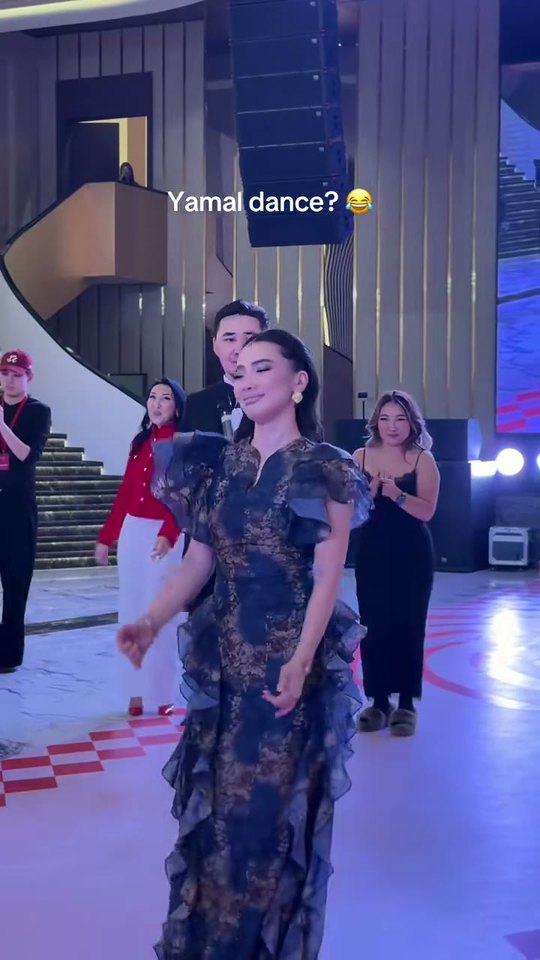
Original clip: @thearunaaz on TikTok
Put a Friend or a Cartoon Character on the Dance Floor
Yamal Dance AI works with a friend or a cartoon or game character in the middle of the floor.
- A friend: Anyone 18 or older can be in your video, with their say.
- A cartoon or game character: It takes the lead for all 15 seconds, from the hip sways to the close-up.
You can put your friend in the Yamal dance on the page.
How Other People Make the Yamal Dance Video
Many people film the Y Que Fue dance themselves at parties, while others use a CapCut template.
- CapCut templates: You open a template in the CapCut app, tap "Use template", pick your photos, then export and post it.
- AI dance apps: You pair a photo with a dance template or a dance clip, and in some apps you write a prompt too.
We read those posts and pages on November 18, 2026. On Seadanse, it's one photo in your browser, with the banquet hall, the moves and the original sound built in.
Yamal Dance AI Video FAQ
What is the Yamal dance?
The Yamal dance is the Y Que Fue dance: hip sways, finger points and shoulder shimmies to "Y Que Fue?" by Don Miguelo. People call it the Yamal dance because of Lamine Yamal. He made his entrance to the song at Spain's party after they won the 2026 World Cup, on July 20, 2026, as El Nuevo Diario reported. See more on what the Yamal dance is.
What song plays in a Yamal dance AI video?
"Y Que Fue?" by Don Miguelo (2020) plays in the hall, which is the reel's original sound. It means "so what happened?" in Dominican Spanish.
How long is a Yamal dance AI video?
A Yamal dance AI video is 15 seconds long, and it's 9:16 for TikTok and Reels, in 480p or 720p.
How much does one Yamal dance AI video cost?
$9.90 covers one video at 480p or 720p, where a 720p video takes 500 credits and 480p takes 375 of the pack's 500 credits.
Can I make other football dance videos from one photo?
You're also one photo away from a Lamine Yamal Rabona AI video, which puts you on the ball in a match. There's Neymar AI Dance too, which puts you in front doing the Calcanhar 2 step.
Your Yamal Dance AI Video in Three Presses
You can make your Yamal dance AI video with just your photo on Seadanse. One photo, one pick and one press give you 15 seconds on that red-and-white floor, with "Y Que Fue?" playing in the hall. Add your photo, pick 480p or 720p, leave the box ticked and press Create.
Written by The Seadanse Team; we read the page on November 18, 2026.
Related Articles
- What Is the Yamal Dance? — the Y Que Fue dance, the Don Miguelo song behind it, the July 20, 2026 party entrance and the banquet-hall reel.


