White Model & Control: Keep the Camera Move You Keyframed
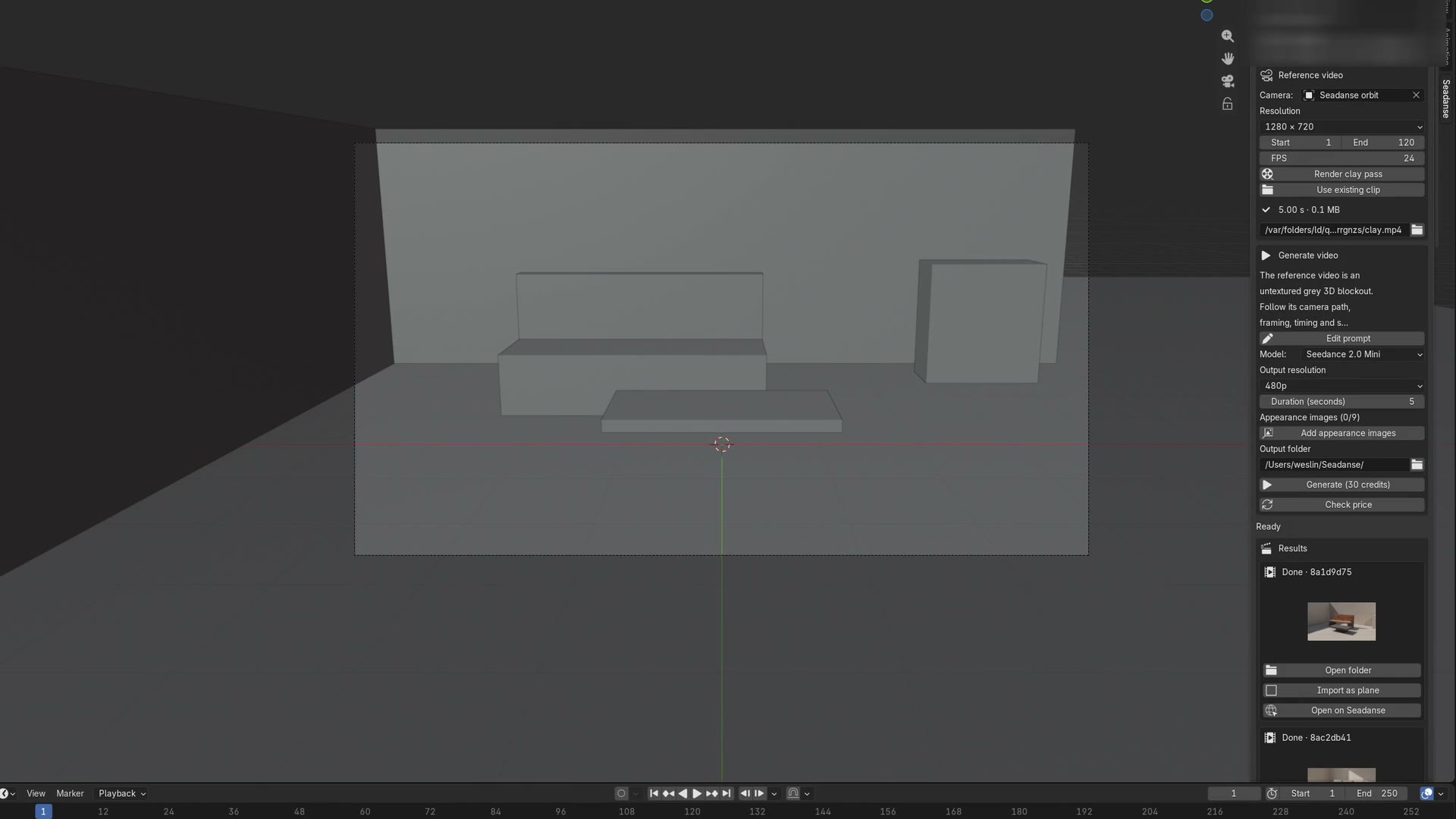
+ Your clay clip rides in as the reference video, so path, framing and timing come from your keyframes.
→ The take lands on the move you actually blocked.

Three steps, and the browser only opens once. You render the clay pass in the sidebar and confirm the credit price on the Generate button. The finished mp4 lands back in your scene as a video plane.

One button renders a Workbench clay render from your scene camera to an H.264 mp4.

The finished mp4 lands back in your scene as a video plane.
SHA-25672a9cb115875c153d30d92a36895acd87e8a59c5d348edfc7d9ccbd0cd6d393e
SHA-256e10d323cad800b2990efef6a61d4e480cba7f5889bcadb809e1fbbcfd05e4df3
A prompt cannot say where the camera starts, where it ends, or what blocks what. Your white model says all three. Point the sidebar at it and the model fills in surfaces, light and faces.
+ Your clay clip rides in as the reference video, so path, framing and timing come from your keyframes.
→ The take lands on the move you actually blocked.


+ One button renders a Workbench clay render from your scene camera to an H.264 mp4.
→ You go from scene camera to uploaded reference in one click.
The clip controls motion and the images control looks, so you can swap a character sheet mid-project.
+ Attach up to 30 stills on Seedance 2.5, or 9 on Mini, and they never touch the price.
→ Faces, wardrobe and materials arrive without a bigger bill.


+ The server quotes the job, prints it on the button, and refuses anything above the cap you confirmed.
→ No render ever costs more than the number you agreed to.
+ The results list downloads the mp4 to your folder and imports it as a textured plane.
→ You line the take up against your white model in seconds.


You drive Blender MCP video generation from Claude Code, Codex or Cursor, on the Blender Lab or ahujasid server.
+ The skill drives Blender over MCP, then quotes, uploads and downloads through the same account.
→ One sentence becomes a grey pass and a finished clip.
+ A device code signs you in from the browser, and Settings, Security, Connected apps revokes it.
→ One session, revocable, with no key stored in your .blend.


+ Drag the zip onto an open Blender window; verified on 4.2.23, 5.1.2 and 5.2.1.
→ A drag-and-drop install, on macOS and Windows, with no extra dependencies.
You already have the scene. Whether it is a previz shot, a product turntable or a two-fighter beat, the same clay pass drives it and the same panel brings the take home.
You block the move, render five seconds of clay, and hand back an mp4 that reads as footage instead of a grey animatic.
Give a director something to react to before the modelling is anywhere near done.
3D generalist blocking a previz shot.

1600x900 · 16:9

1600x900 · 16:9
You keyframe the dolly, orbit or crane in Blender, and the clay clip hands over the camera path, the framing and the beat you timed.
Deliver the exact dolly the board promised, at the beat it was timed to.
Motion designer who storyboards camera moves.
You push the camera through a doorway in grey, and the take comes back with furniture, flooring and window light already in place.
Show a space convincingly before anything is textured or lit.
Indie studio or architectural visualiser.

1600x900 · 16:9

1600x900 · 16:9
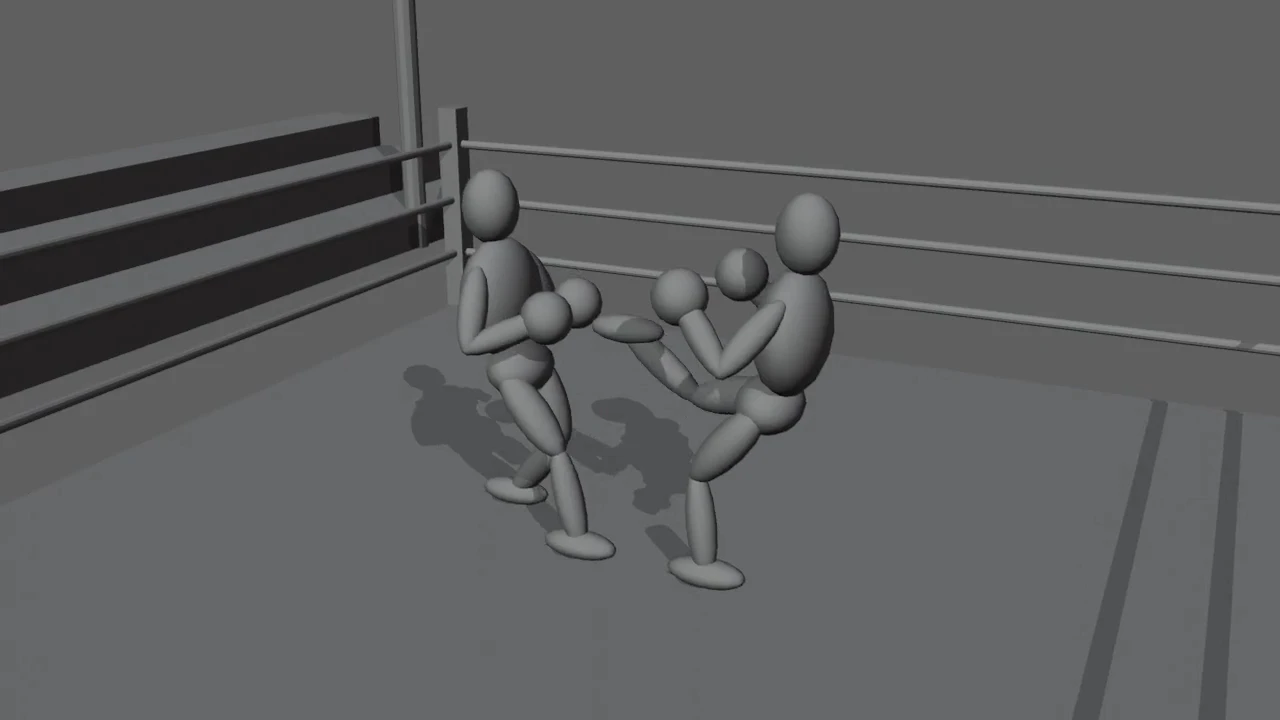
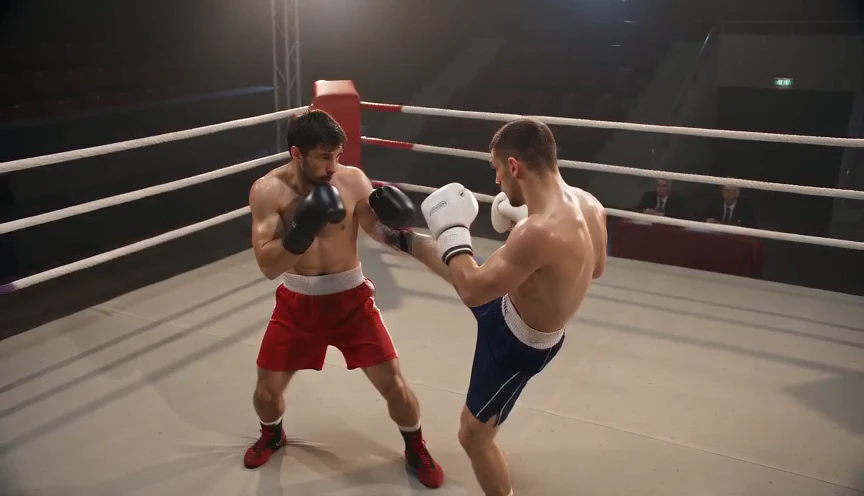
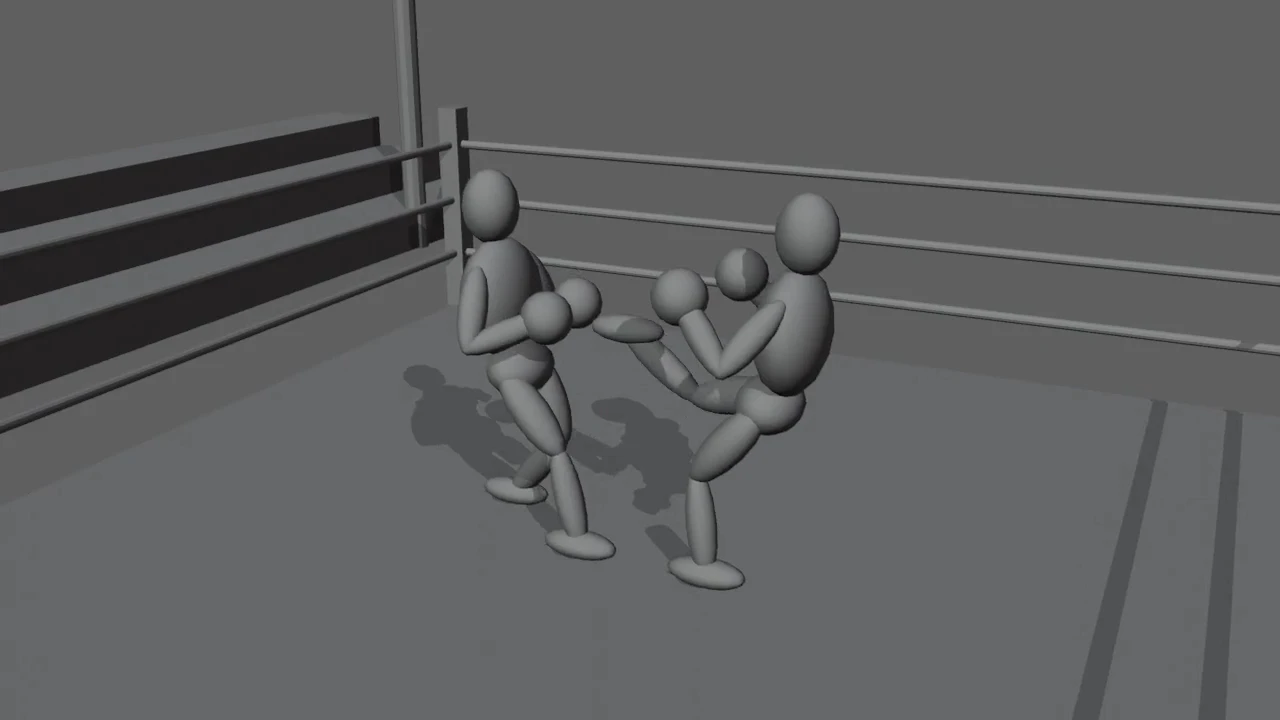
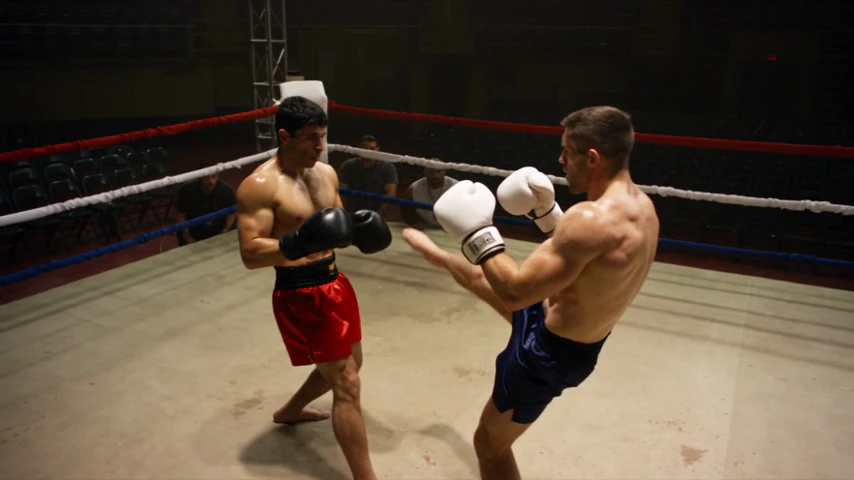
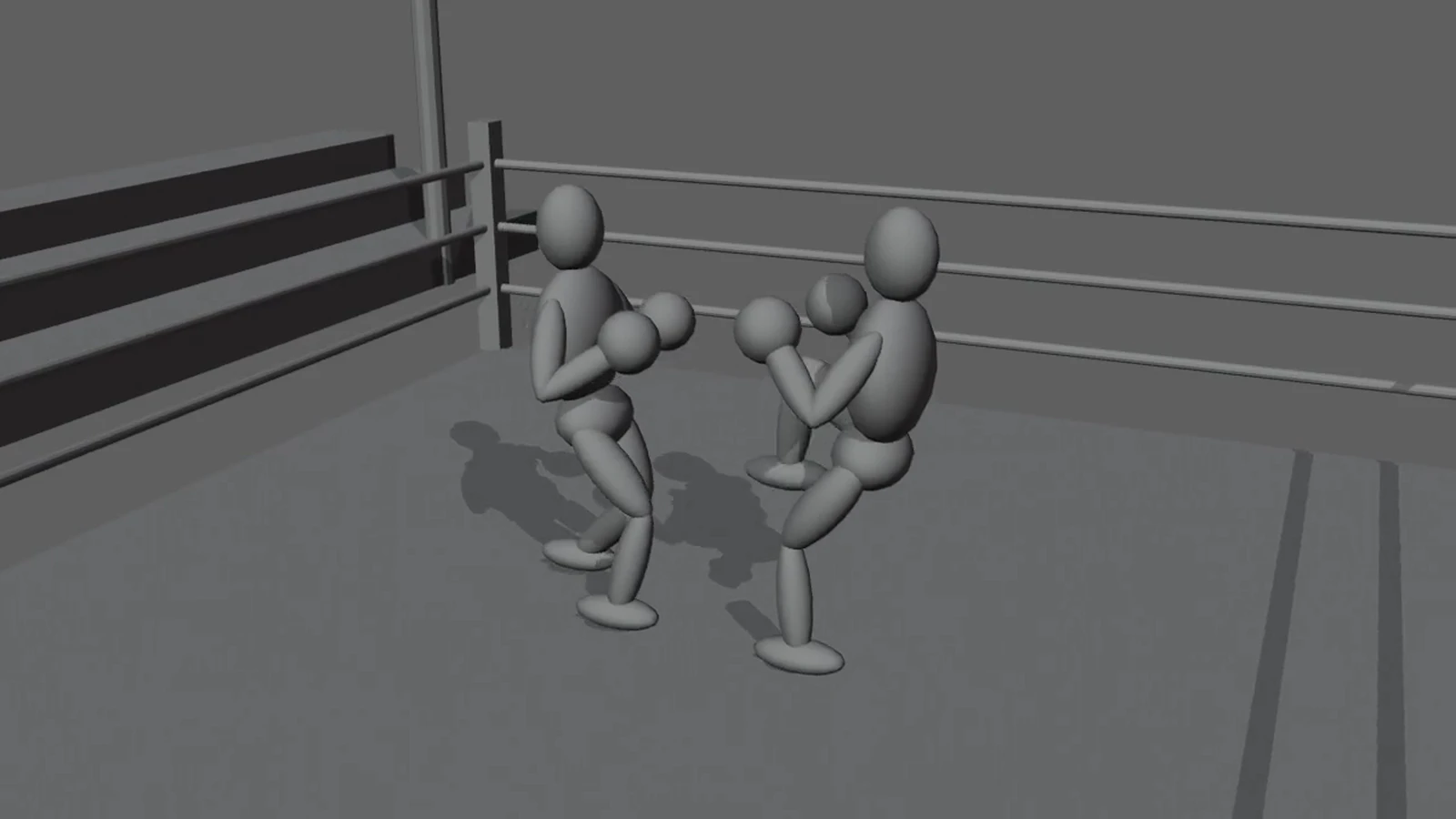
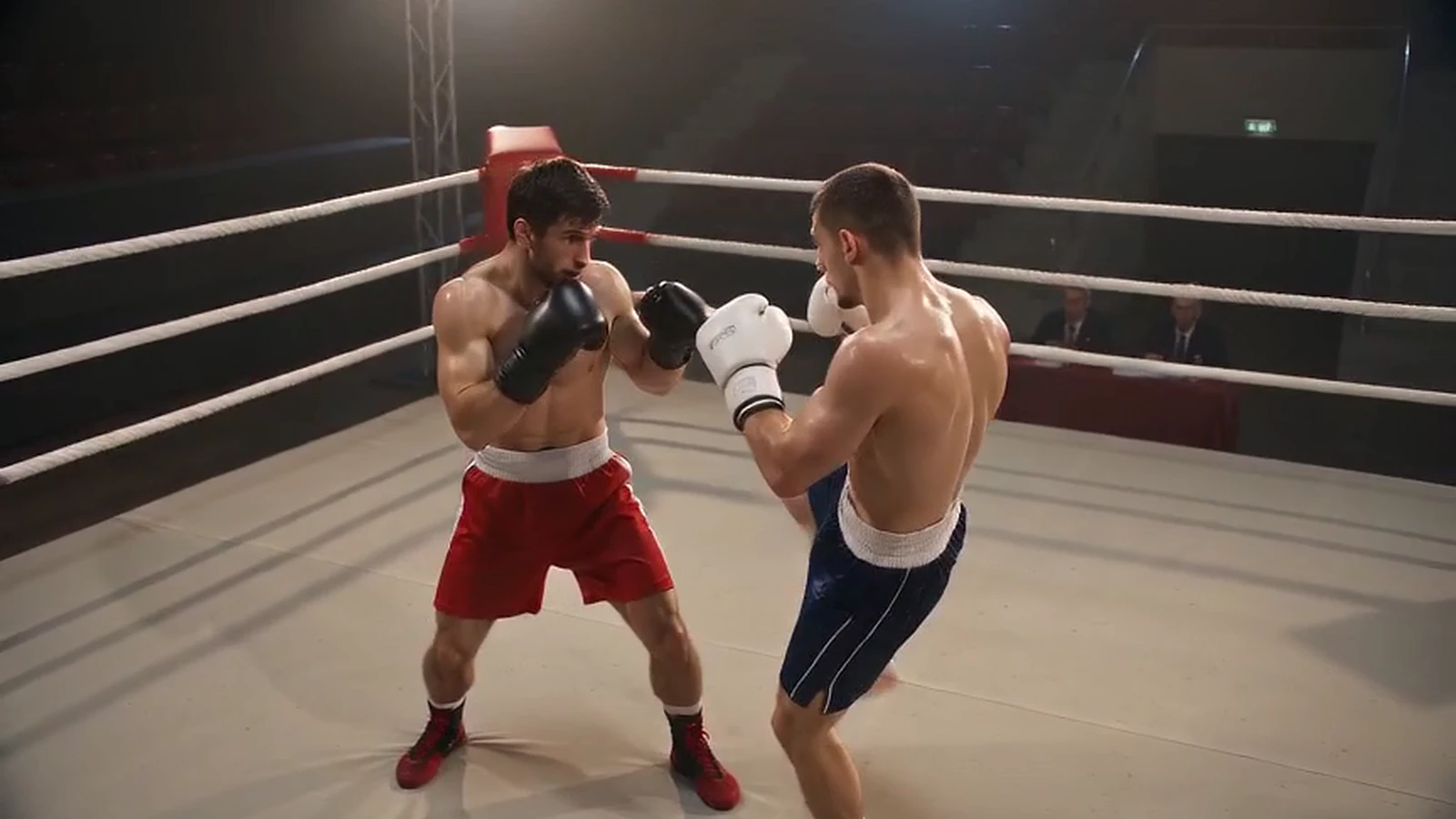
You key the punch, the block and the recovery, and the take keeps your order and spacing while the model dresses the ring.
Choreograph contact, order and spacing that a text prompt keeps blurring.
Indie game or film maker staging a fight or a chase.
You type one sentence, and the skill builds the white model over Blender MCP, renders it, quotes the job and downloads the mp4.
Go from a one-line brief to a downloaded clip without touching the interface.
Developer driving Blender from an agent.

1600x900 · 16:9
Twelve paid runs are on record with run ids, model tier and credit cost. The three below are shown, each with what went in and what came back. The nine earlier ones covered a car chase, an architectural walkthrough and a two-fighter ring beat; that car pass held both vehicles and their spacing, and the street still read as clean CG rather than live action. The Seadanse add-on is the same client as the website, so every take here was billed and logged exactly like yours will be.

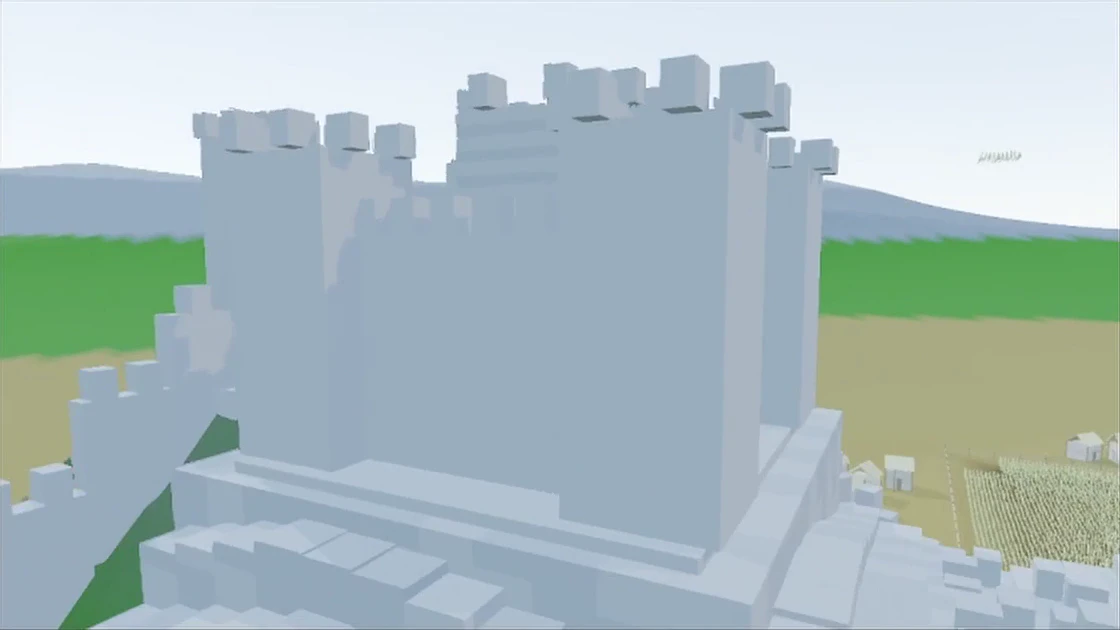
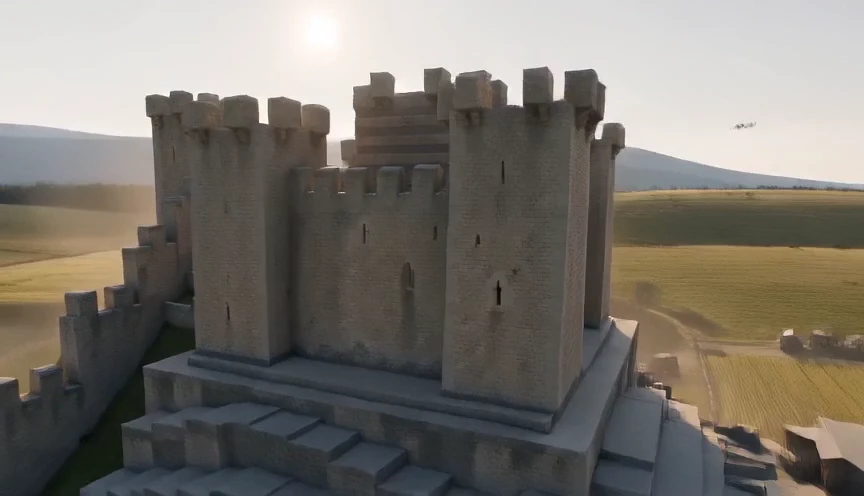
IN · run b2b93be2 · reference clip 1120×630 · 13.75 s

OUT · run b2b93be2 · Seedance 2.0 Mini, 480p tier · 864×496 · 14.08 s
Run b2b93be2-7530-484c-ba30-6a94ce3fd11f · Seedance 2.0 Mini · 480p tier, file 864×496 · 14.08 s

IN · run 57d24591 · Workbench clay pass 1280×720 · 10 s · 24 fps

OUT · run 57d24591 · Seedance 2.0 Mini, 480p tier · 864×496 · 10.08 s
Run 57d24591-56d2-4228-8d76-9b716b2082ef · Seedance 2.0 Mini · 480p tier, file 864×496 · 10.08 s

IN · run ed811a27 · the same clay pass as run 57d24591 · 1280×720 · 10 s

OUT · run ed811a27 · Seedance 2.5, 480p tier · 854×480 · 10.04 s
Run ed811a27-d307-4650-8589-f55fa67d132d · Seedance 2.5 · 480p tier, file 854×480 · 10.04 s
Also on the record
You see the price before you commit. The server quotes the job, the number sits on the Generate button, and a re-measured cost above the cap you confirmed is refused rather than charged.
Credits are the website's credits. Plan credits expire at the end of each 30-day cycle. Extra credit packs stay valid for 12 months. Failed or interrupted renders return their credits automatically.
Install, cost, versions, privacy, and the parts that still miss. These are the questions the search results leave open, answered from a tool that has already run and been billed.
Yes. The Seadanse add-on for Blender is a free download, and so is the agent skill. You pay only for renders, in the same credits the website uses. New accounts start with a sign-up gift, which covers a first Seedance 2.0 Mini run at 480p.
Drag the downloaded zip onto an open Blender window and it installs itself. You can also use Edit, Preferences, Add-ons, Install. Keep the file zipped. Blender calls it an extension. Search engines call it a Seedance 2.5 Blender addon, or a Seedance 2.5 Blender plugin. All three install the same way.
No. The render runs on our servers, so your card only affects Blender's own viewport and the short clay pass. A clay pass is a Workbench render of flat grey shapes, which is about the cheapest thing Blender can draw.
Blender 4.2 and up. It was verified on 4.2.23, 5.1.2 and 5.2.1 on macOS. Windows CI covers 4.2.23 and 5.1.2. There is no third-party Python dependency, so nothing has to be installed into Blender's Python.
The Generate button carries the server's quote before you press it. A Seedance 2.5 reference video is billed at 0.6 times the output rate, for its own seconds only. Seedance 2.0 Mini does not bill reference seconds at all. Appearance reference images never change the price. Rehearsing in grey is how people save AI credits on re-rolls. See the pricing page for plans.
No. What leaves your machine is the rendered clay mp4 and any appearance images you choose. The scene file, your geometry and your materials stay local. If you are under a client NDA, the grey pass is the only thing anyone sees.
All three, plus dolly in and dolly out. The agent skill ships those five as presets, and the add-on reads whatever you have already keyframed on the scene camera. Start with a short simple move before you try a long one-take.
Either works. The Seedance 2.5 Blender workflow is the same job whichever door you come through. A Blender white model to AI video run in the web composer produces the same take. Use existing clip in the sidebar also takes any mp4 or mov you already rendered.
Say that the clay render is an untextured grey white model, then ask the model to follow its camera path, framing and blocking exactly. Next, say what each grey shape becomes. Creators call this white model to video, and the skill ships the skeleton so you only fill the brackets.
Closely. The move you keyframed is the move you get back: direction, the order of your beats and their timing all hold. What drifts is local framing, which can come in tighter than your white model. Check a preview before you generate a long one.
No. A take is footage, so nothing inside it can be re-lit or re-framed in Blender. It imports as a video plane you can line up next to your white model. If you need the actual pixels of your actual asset, render the asset.
The Seadanse add-on is a Seedance-only sidebar, not a whole catalogue and not a different editor. Higgsfield's plugin page lists no Seedance 2.5 access on its Starter plan, read 2026-09-08. Mixar is a Blender fork, so you would change editors. Here you keep your Blender and use the credits you already have.
Not at a desk with Blender open? Price a longer render, compare the model tiers, or take the same Blender to Seedance 2.5 job through the web composer and pick the clip up later.