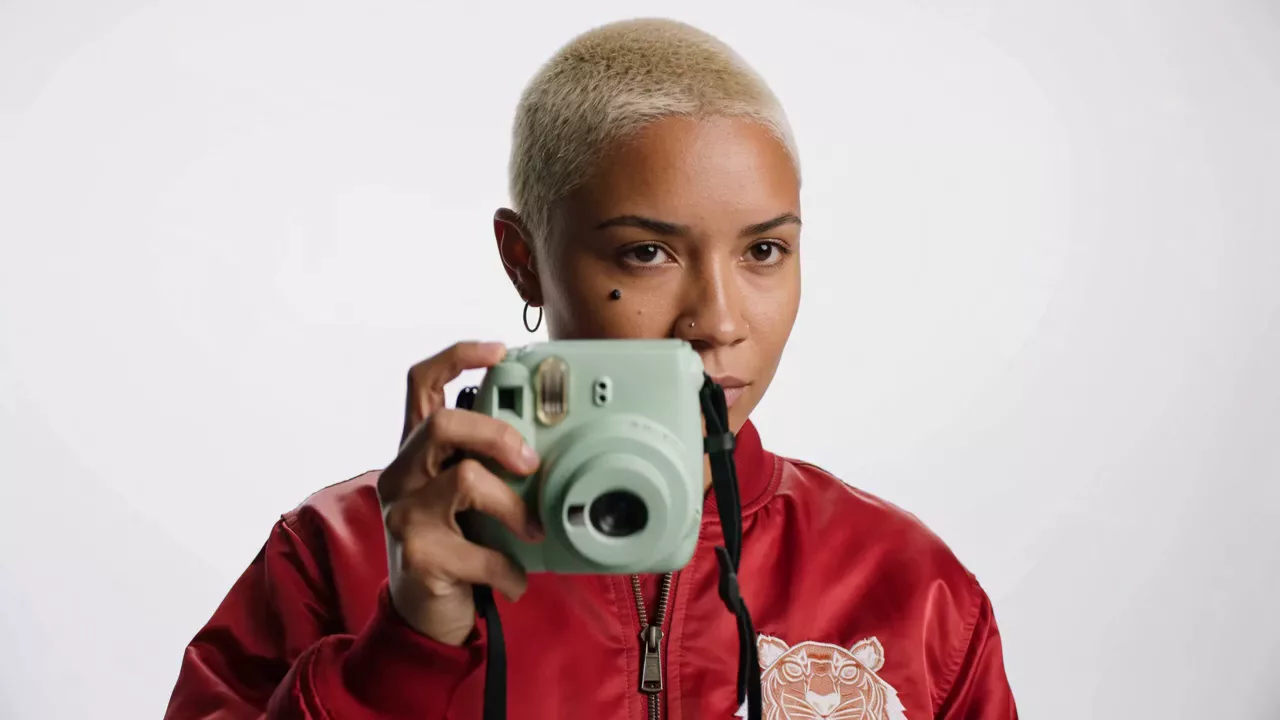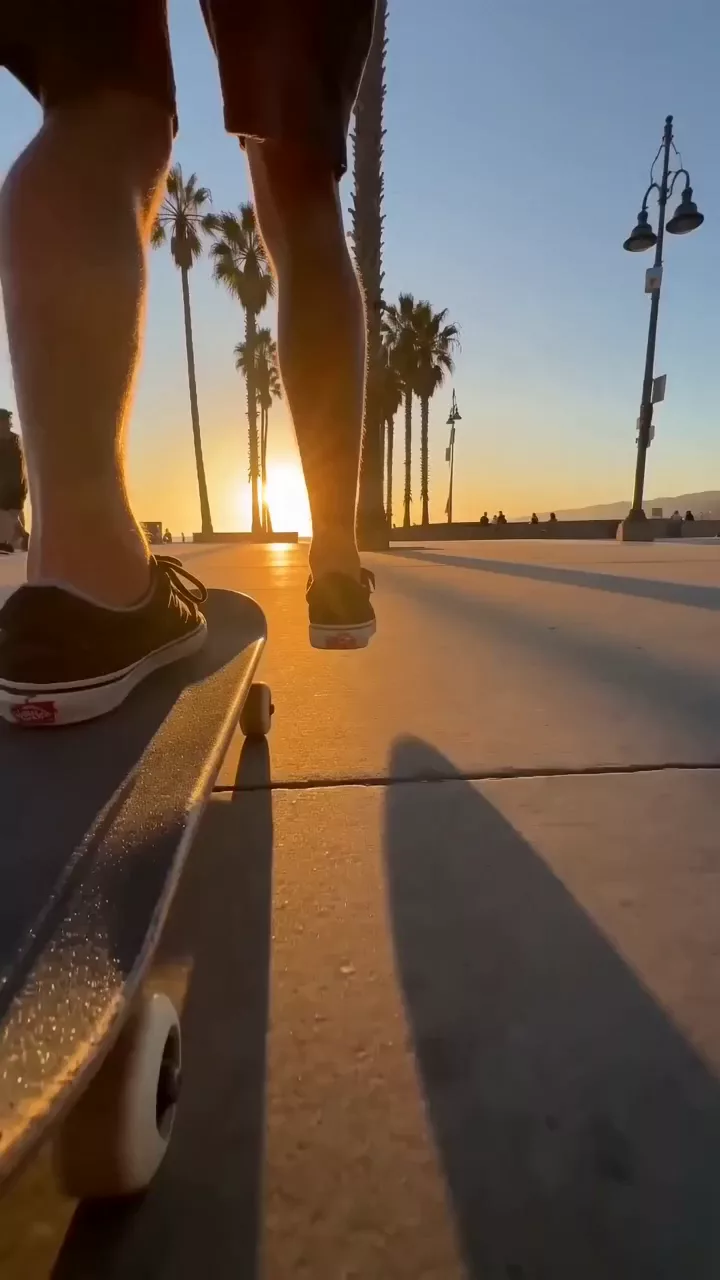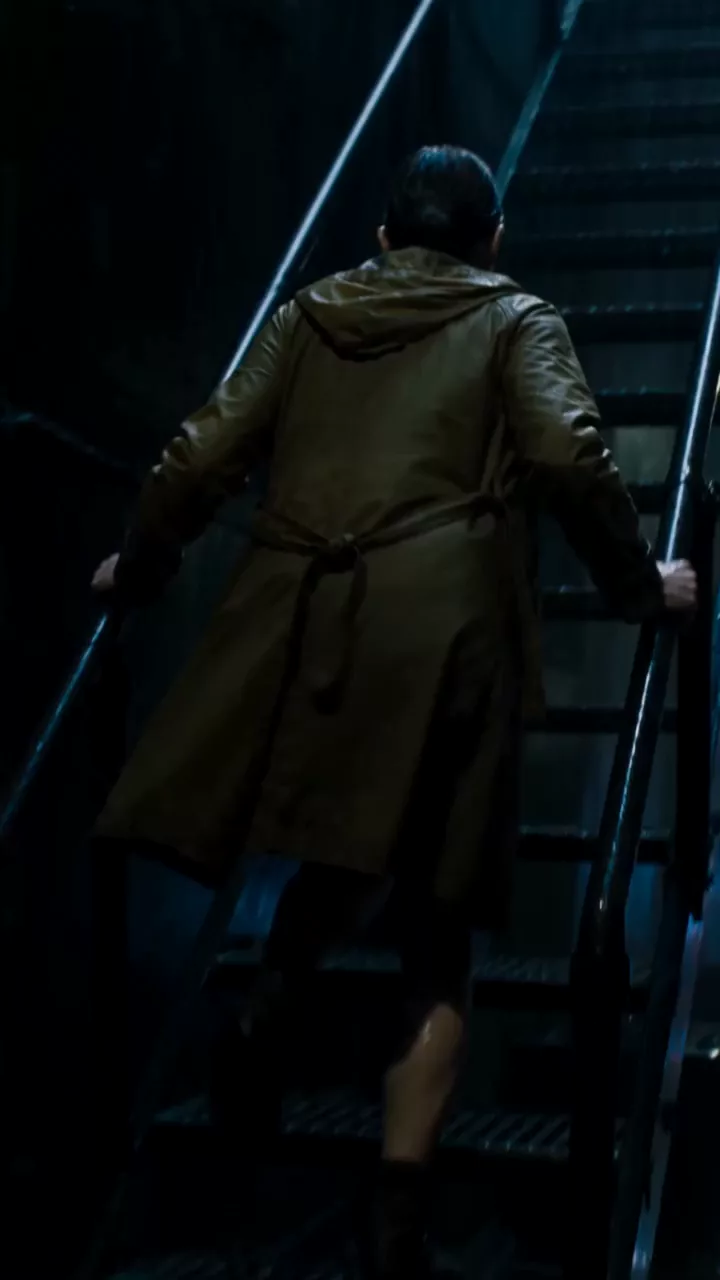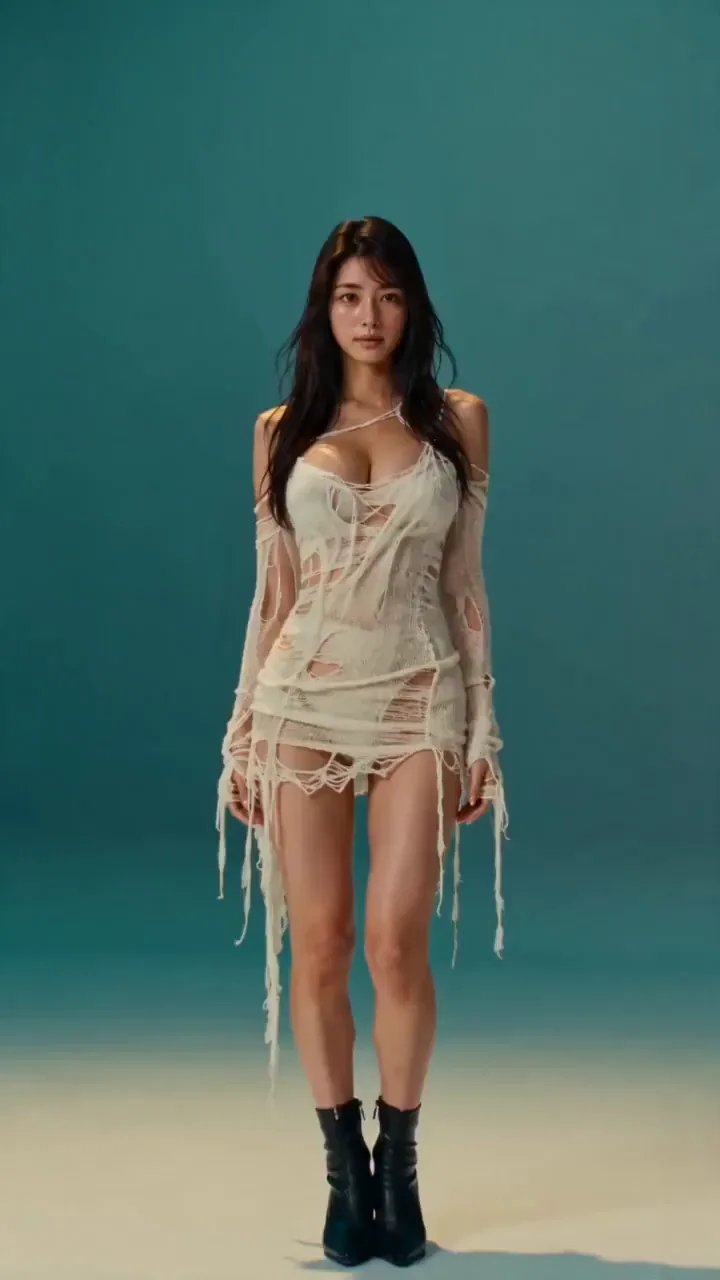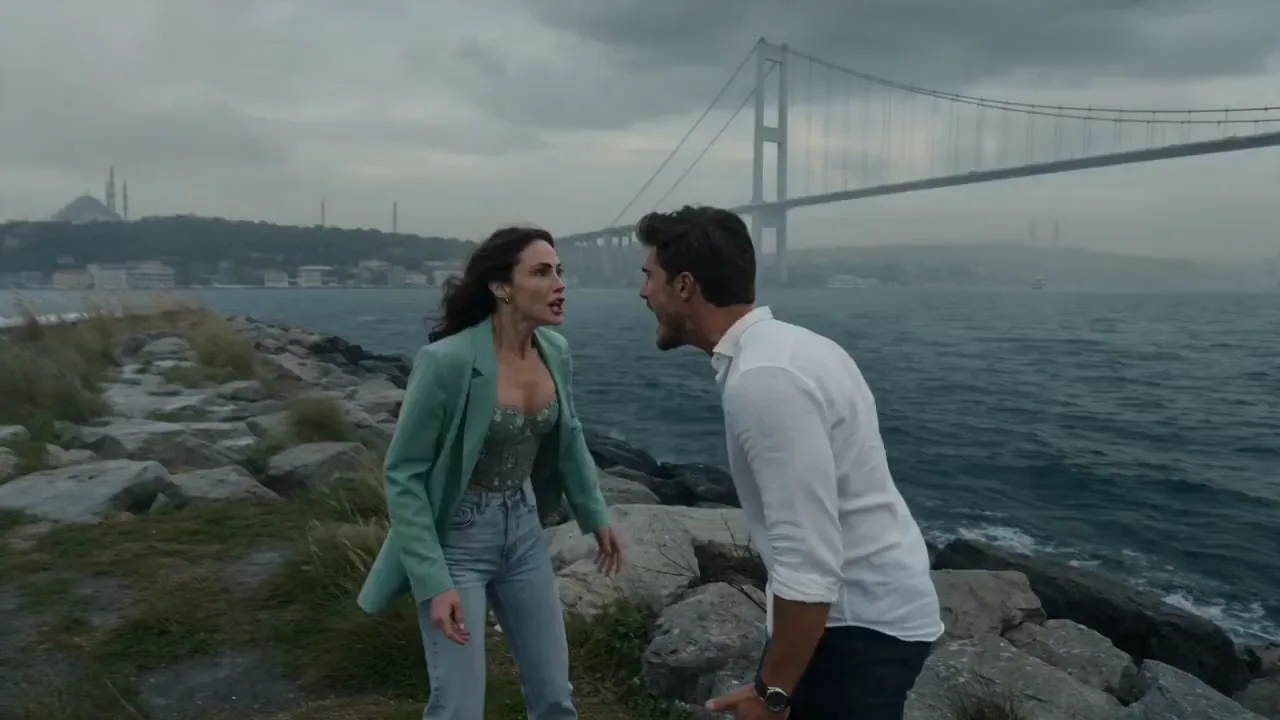

KBO Fan Cam
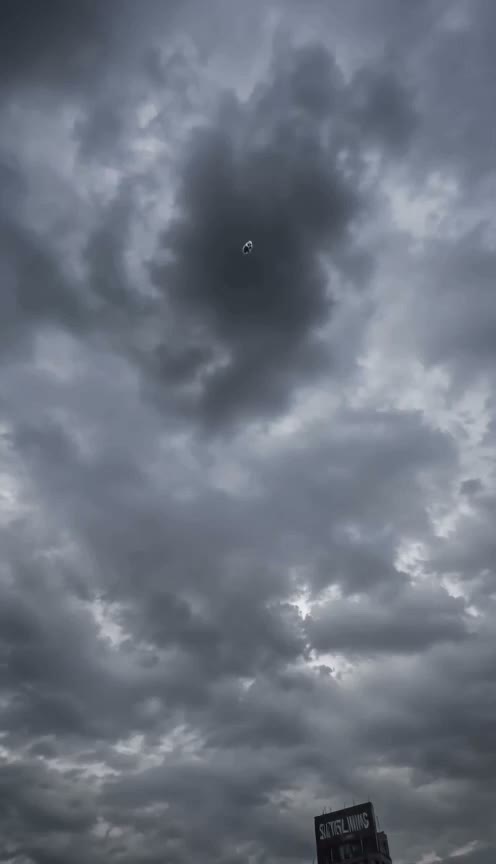
A crowd camera finds one spectator and catches a surprised reaction.
NewSeedance 2.5 — Text to Video, Image to Video, Motion Transfer
Seedance 2.5 is an AI video model from ByteDance's Seed team, released on July 31, 2026, that makes picture and sound together in one take. Turn your prompt, photos, clips and music into full 30-second scenes on Seadanse. Sign up free and get 40 starter credits.
Sign in and write a line or two first — Enhance rewrites what you have.
Pay safely and securely with
Link and regional wallets appear at checkout where your country supports them.
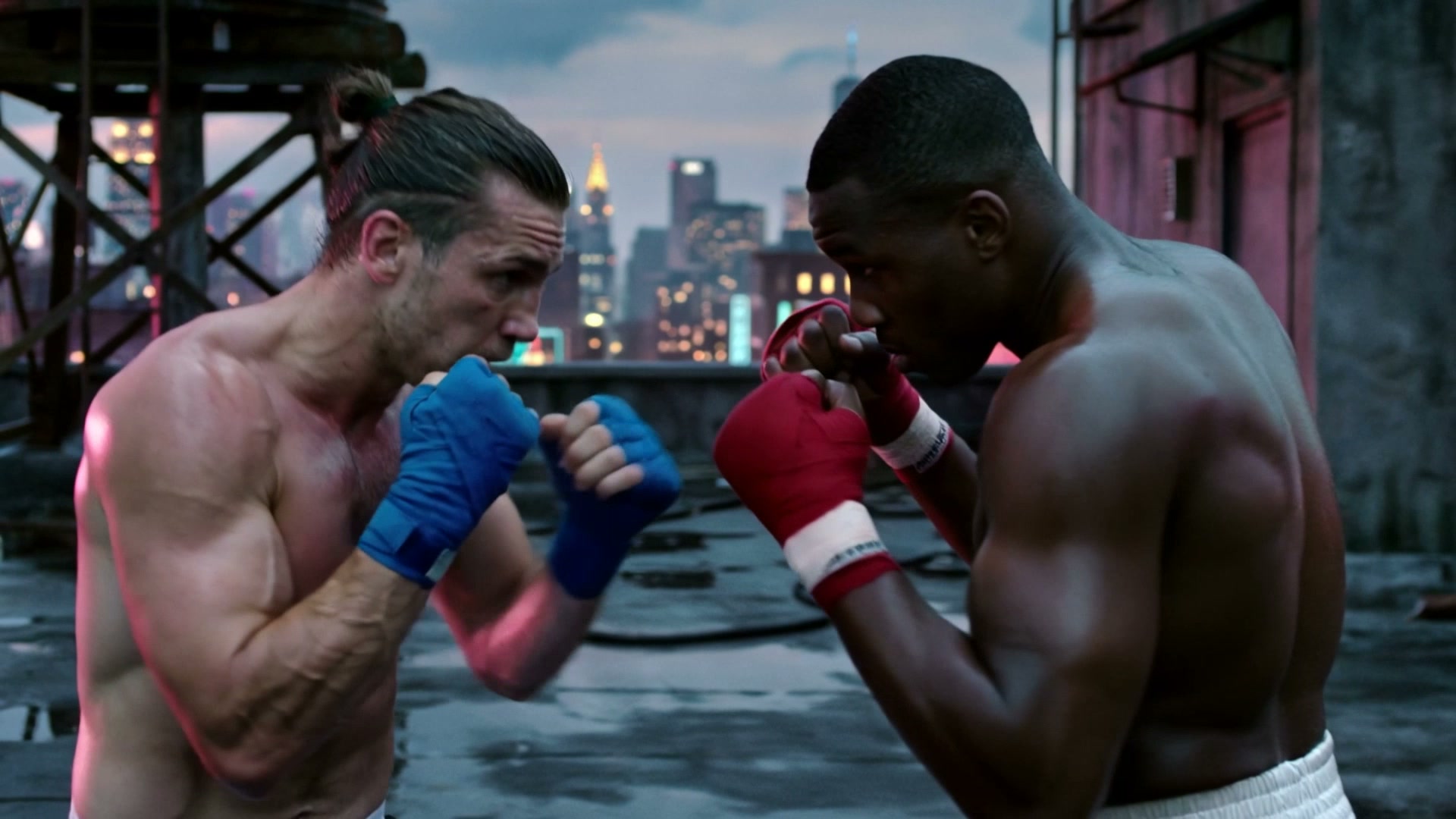
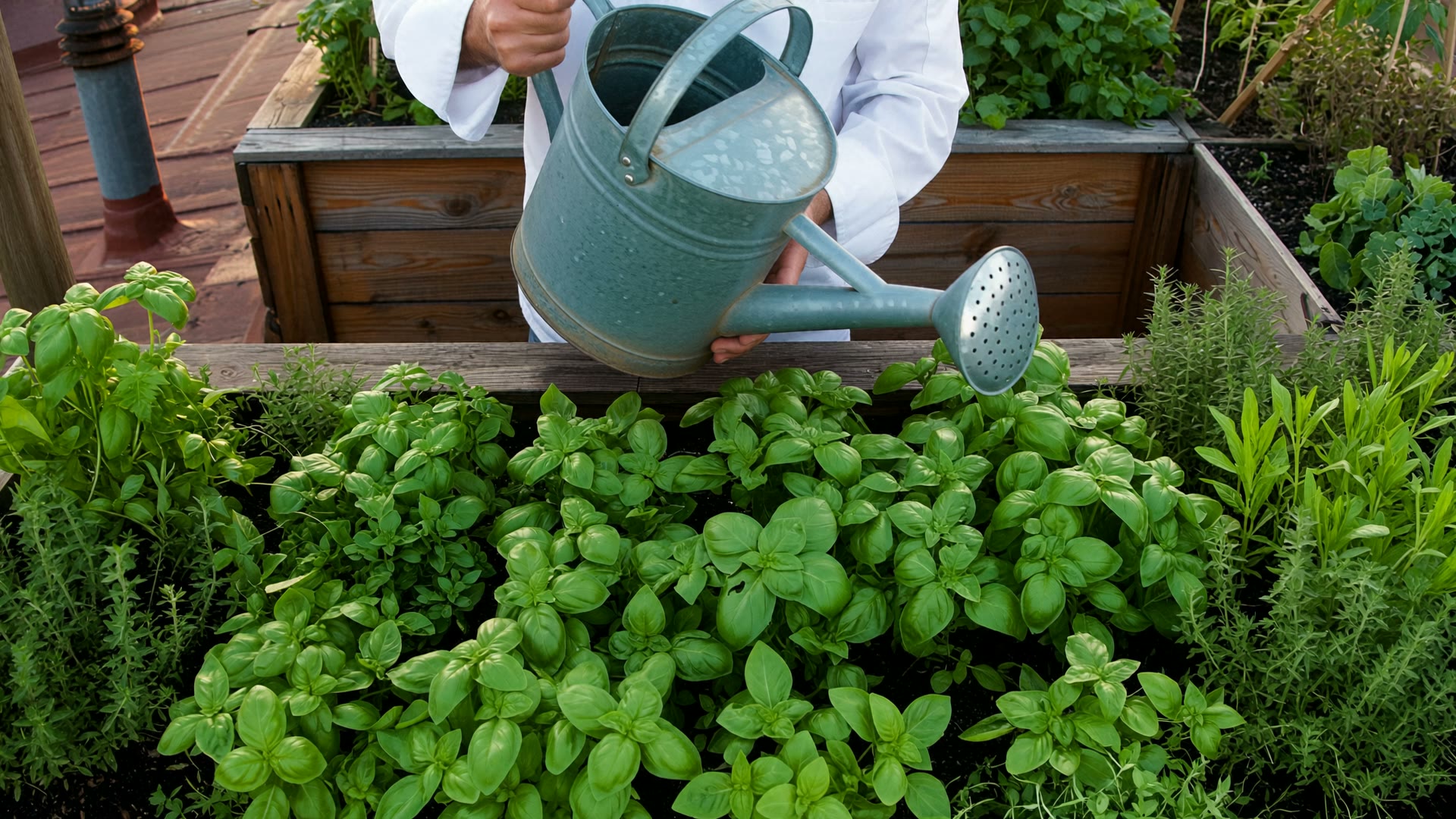
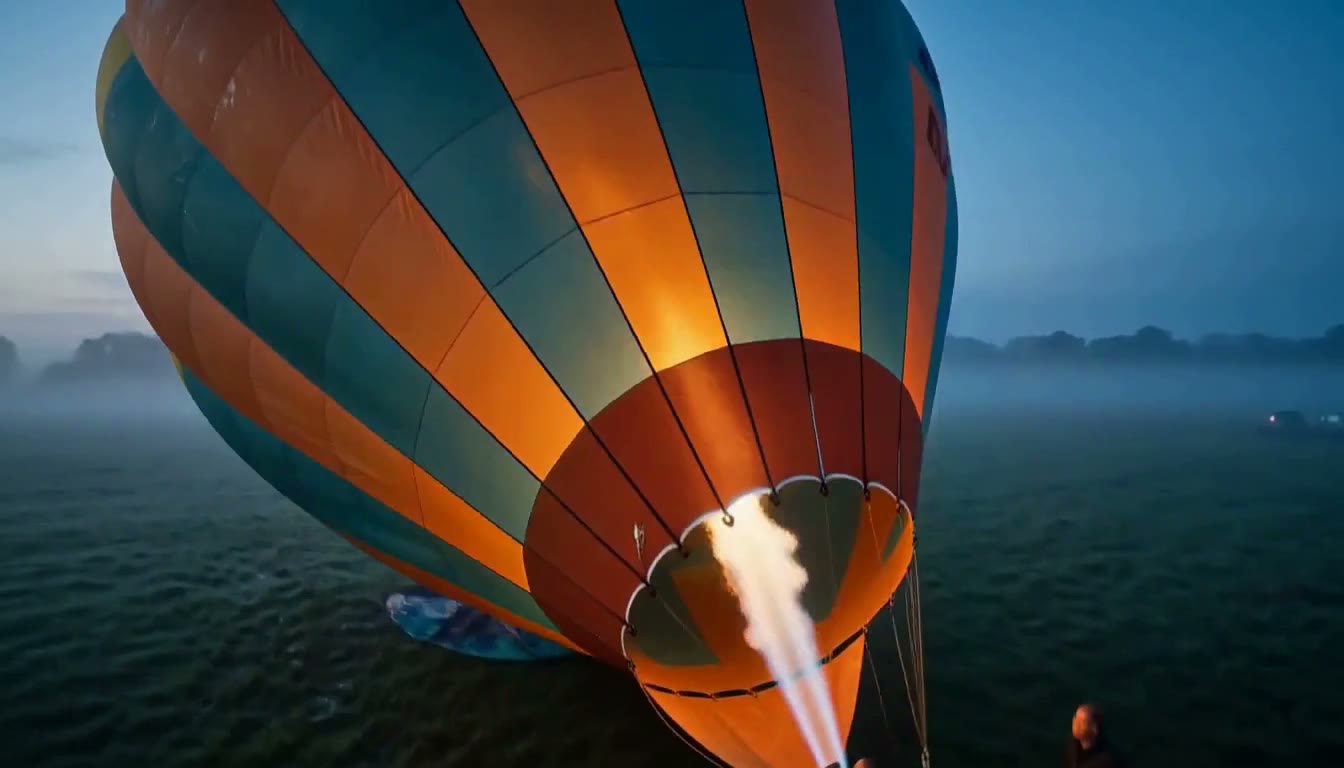
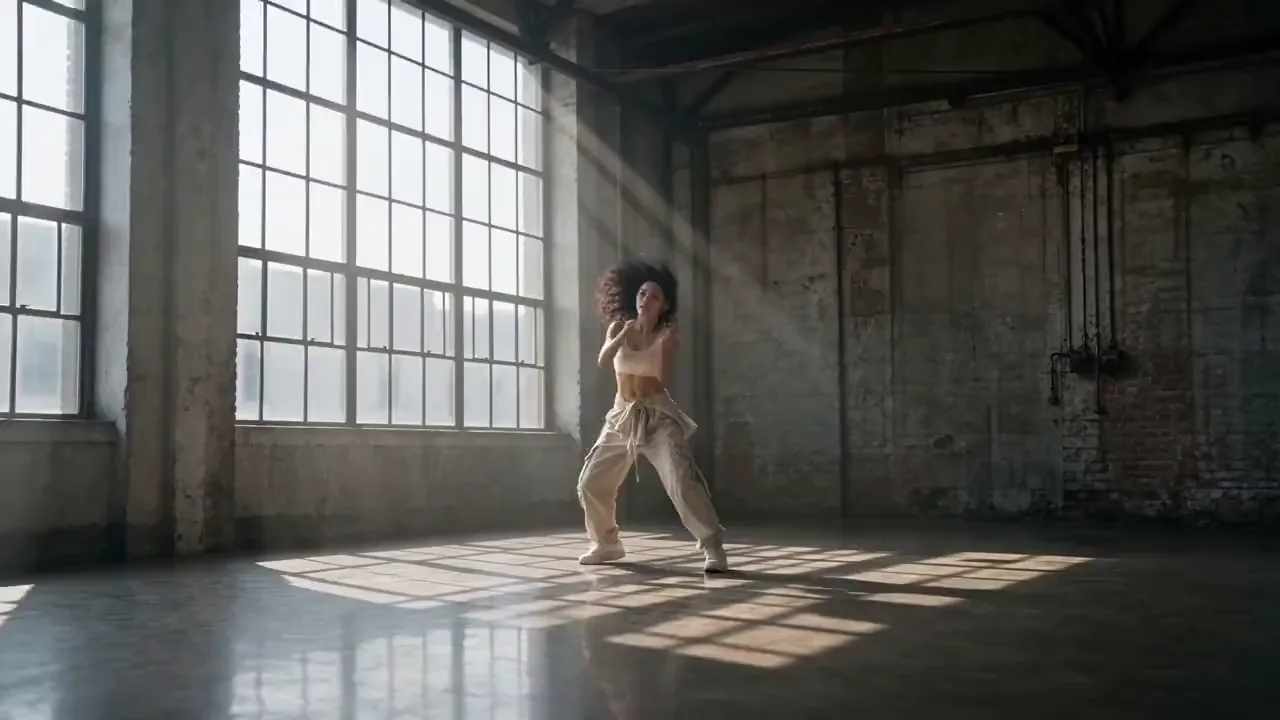
Every clip here was made from a single prompt, and the soundtrack came out with it. No one edited a frame. Hover any card to play it.
A crowd camera finds one spectator and catches a surprised reaction.
A rescued fox returns years later with an unexpected comic complaint.
A candid neighborhood memory captured with early-2000s camcorder texture.
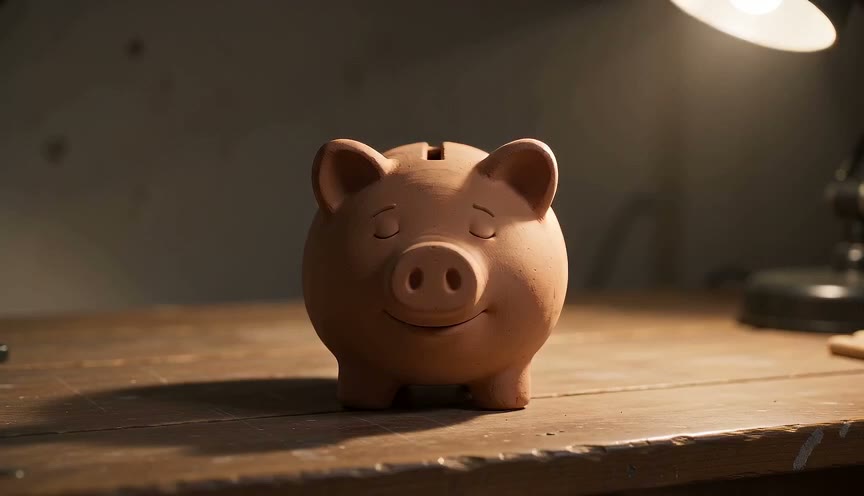
An everyday object develops a face and delivers a dry reaction.
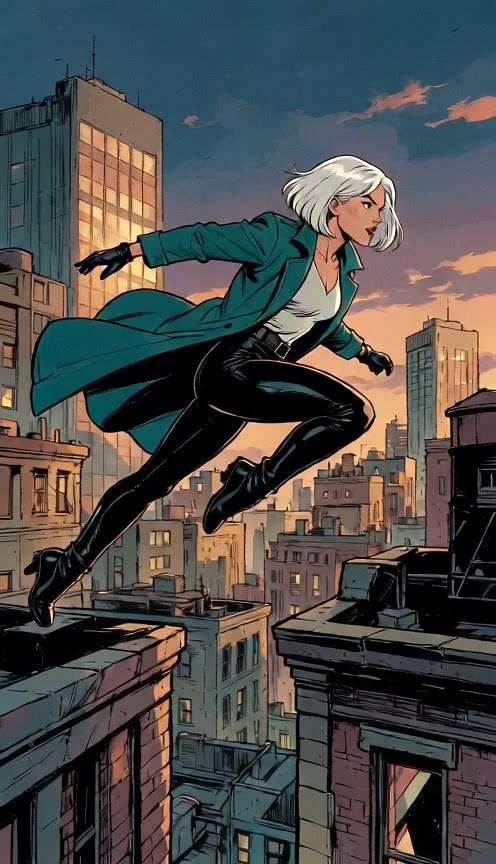
A fan becomes part of a fictional broadcast and pulls off an impossible play.
A casual handoff sets up an impossible but harmless stunt.
A heroic virtual world collapses into an ordinary-room punchline.
One continuous pullback travels from a person to an orbital Earth view.
A handheld selfie freezes into a cinematic three-quarter orbit.
Direct an opening, a turn and an ending inside one video of up to 30 seconds by adding time ranges like 0-5s to your prompt. Seedance 2.5 keeps the looks and voices of several characters steady across every connected shot.
Assign roles to 30 images, 10 video clips and 10 audio clips by tagging them as @Image 1, @Video 1 or @Audio 1 to steer camera moves and clay render lighting. Seedance 2.5 keeps characters and products looking the exact same way throughout your video.
Create spoken lines, sound effects and background music right alongside the visual action in 11 languages like English, Spanish and Japanese. ByteDance Seedance 2.5 even lets a single song or voice clip guide the entire video from start to finish.
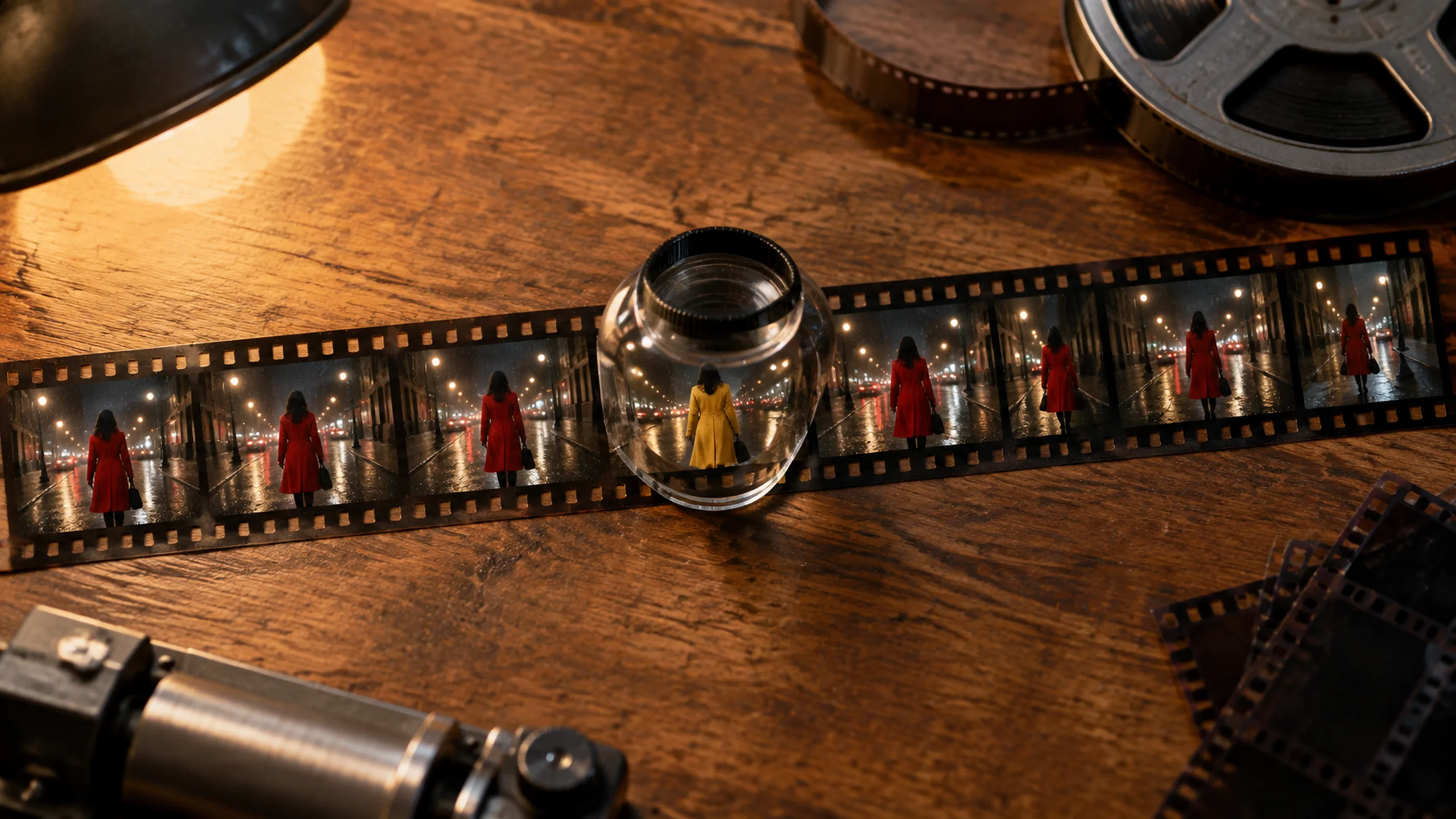
Select a time range to redraw the frame, swap objects, or remove background music while keeping your original length and aspect ratio intact. Seedance 2.5 also lets you extend your video forward or backward again and again to build a longer narrative.
Output crisp 24 fps MP4 files with sound in 480p, 720p or 1080p across formats like 16:9, 9:16 and 21:9. Seedance 2.5 on Seadanse gives you ready-to-share video tailored for any feed or display.
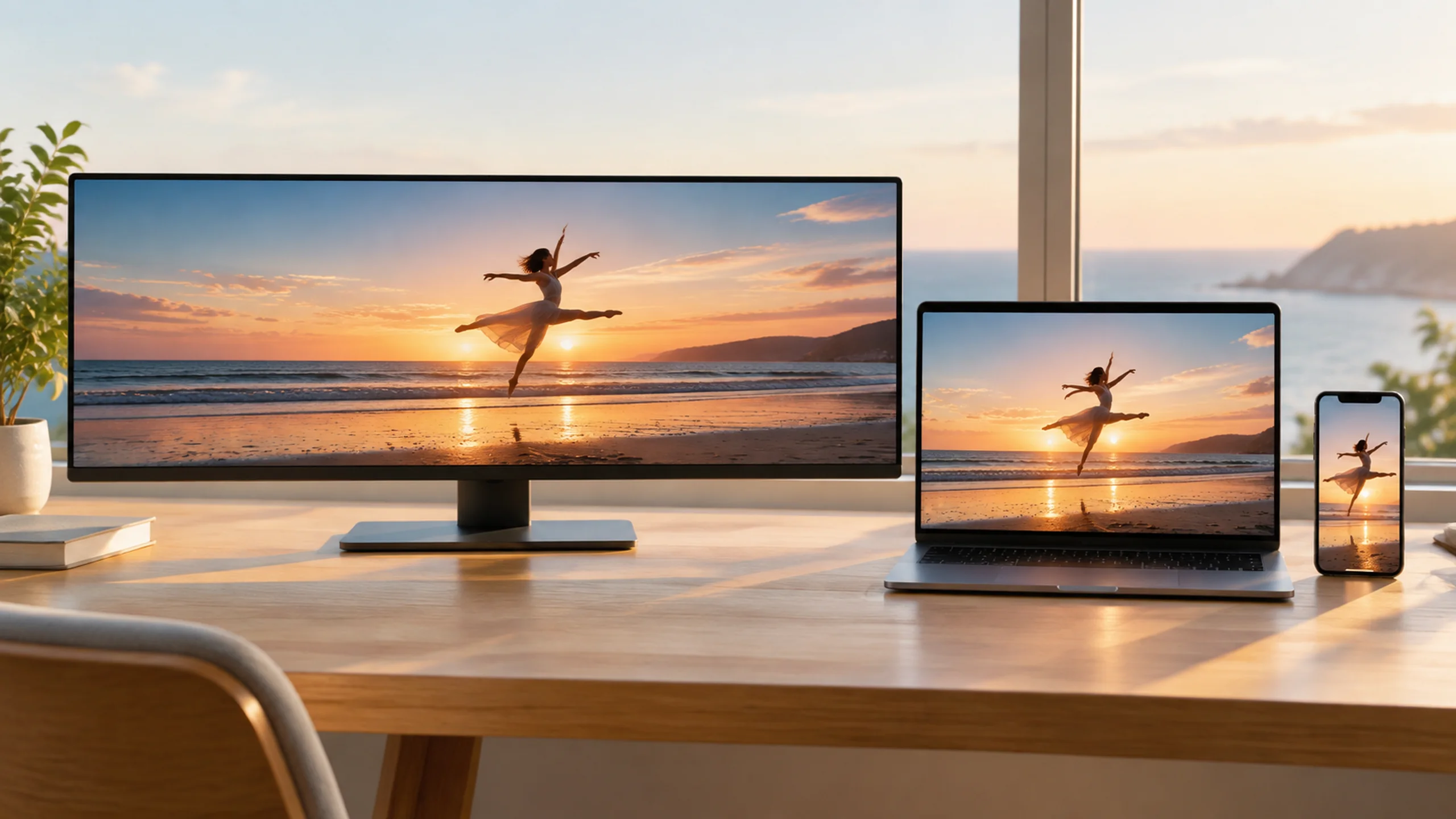
Make polished 30-second videos with sound for ads, social media, films, and music releases.
Bring your product photos to generate a 30-second ad in one take, with an opening shot, close-up, and ending sound ready for 9:16 or 16:9 feeds. Use our AI video agent for ads to turn your one-line idea into a full storyboard and video.
Bring a prompt and get a 9:16 video with matching sound that looks filmed on a phone. Post fresh clips to your social feeds in minutes to grow your audience.
Bring your script and character images to produce a 30-second scene where characters speak with steady looks and voices as the camera moves. Use Script to video AI to turn your dialogue into a finished scene without stitching short clips together.
Bring an audio track and let the song guide the cuts, rhythm, and visuals across your video. Get a complete music video ready to publish and promote your new release.
Bring your Blender clay render image or clip to lock in camera moves and layout, then get back a lit shot with rich textures. Connect the Seedance 2.5 Blender add-on to speed up previsualization and concept reviews.
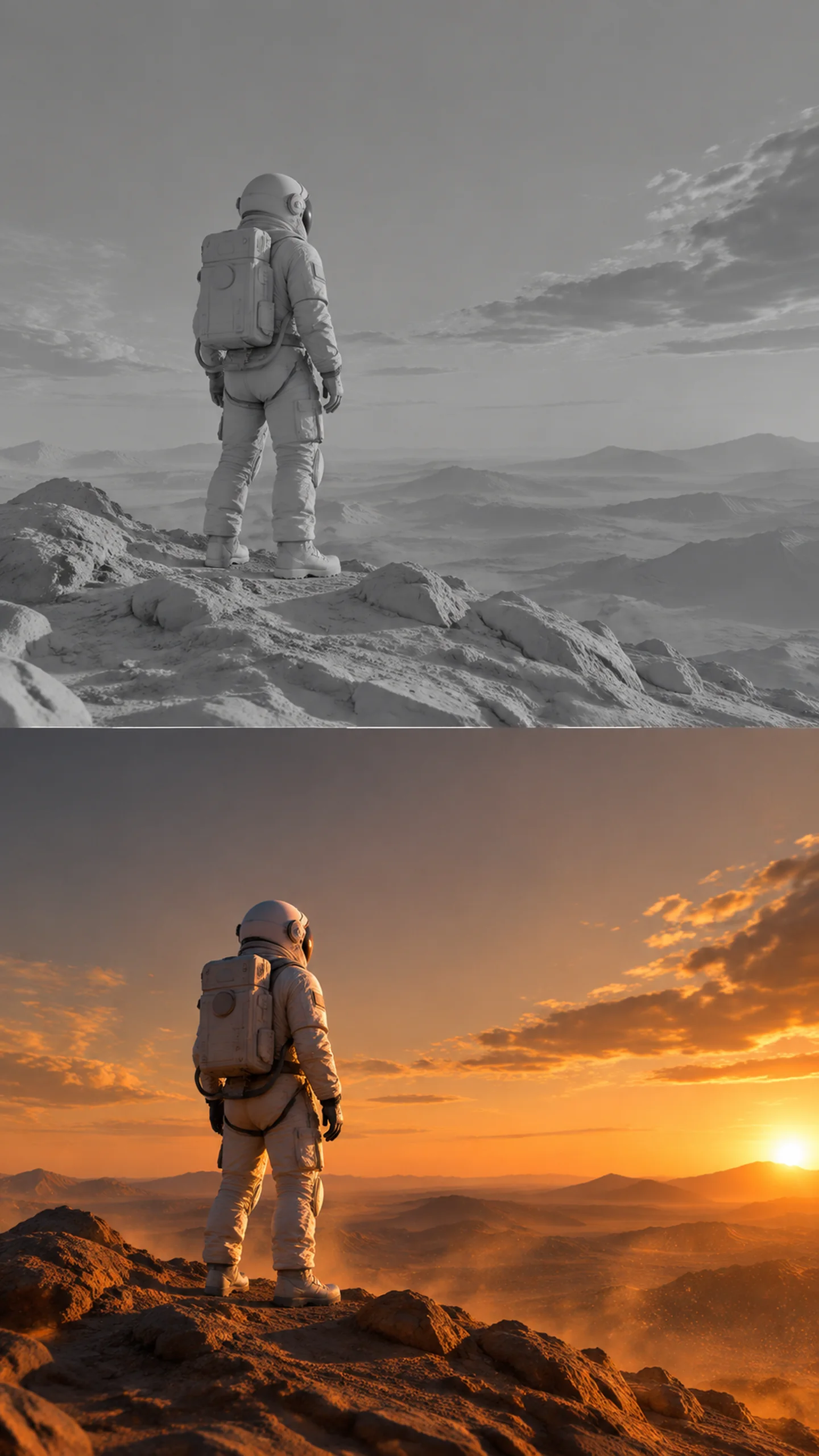
Write your prompt with the subject, action, scene, style, camera move, and sound, and add your reference images, clips, or audio.
Choose your video length up to 30 seconds, select your aspect ratio, and set your resolution to 480p, 720p, or 1080p.
Generate your clip and download your finished MP4 video with sound.
Seedance 2.0 went viral in February 2026; on July 31 the 2.5 model replaced it with a longer single pass, over four times the reference inputs, and sound generated with the picture. Here is the delta, dimension by dimension.
| What changed | Seedance 2.0 | Seedance 2.5 | Why it matters |
|---|---|---|---|
| Single-pass length | 4-15s | 30s native | Longer takes hold the same cast, lighting, and pacing with no stitch points. The model's long-video beta stretches to 180s. |
| Reference inputs | 12 inputs | 50 multimodal inputs | The 2.5 model accepts 30 images, 10 video clips, and 10 audio tracks per brief; here today you attach 2 reference files per render. |
| Prompt adherence | baseline | +20% | By ByteDance's own measure, complex briefs — camera moves, blocking, timing — land as written more often, with fewer re-rolls. |
| Sound | audio as a separate track | audio in the same latent space | Foley, ambience, and music are generated with the picture, so sound lands on the action instead of being scored after it. |
| Fixing one shot | re-render the whole clip | region-level text edits | Describe the change and the 2.5 model reshapes just that part of the frame; 2.0 sent you back for a full re-roll. |
These are real posts from AI reviewers, film educators, and 3D artists who tested Seedance, and the blind-test numbers back them up.
Chubby
@kimmonismus
Seedance 2.5 released. It looks insane! Still trying to figure out where Veo 4 is and why nothing comes close to Seedance
nachos2d
@NACHOS2D_
ByteDance just raised the bar again. Seedance 2.5 is officially here, and this could be one of the biggest jumps we've seen in AI video so far. Longer generations, native 4K support, massive multi-reference control, stronger consistency…
Higgsfield AI
@higgsfield_ai
Next-level AI VFX. Seedance 2.5 is a game-changer.Official
Wes Roth
@WesRoth
…supports cinematic 4K output, videos lasting up to 30 seconds in standard mode and generations reaching 180 seconds through a beta long-video mode. Creators can combine as many as 50 inputs…
Dreamina AI
@dreamina_ai
🎬 Global Launch: Dreamina Seedance 2.5 is now live! … Native 30s videos in a single generation · reshape any part of the frame · Long video mode: up to 3 minutes…Official
ben
@contraben
We tested 4 frontier AI video models w/ >12 professional editors, >40 clips all judged blind… Seedance took the top average score.Blind test
t0xic
@amit0xic
Seedance is insane… the pace of improvement in AI video generation has become unreal
Dinda Prasetyo
@heydin_ai
FIRST TEST… Dynamic motion feels fluid, prompt adherence is solid, and the efficiency really stood out, very little iteration needed.
Curious Refuge
@CuriousRefuge
Verdict 🏆: Seedance excels at prompt adherence, even without an end frameBlind test
Stefan 3D AI
@Stefan_3D_AI
#Seedance might be the biggest breakthrough for the 3D community right now.
Sign up free and get starter credits. Every render shows its exact cost beside Generate before you submit.
Seedance 2.5 is an AI video model from ByteDance's Seed team, the company behind TikTok and CapCut. ByteDance announced it on July 31, 2026, in ByteDance's launch post. The model makes video and sound together in one take of up to 30 seconds with up to 50 references. Read our guide on What is Seedance 2.5 and make your first clip right here on Seadanse today.
Yes. ByteDance launched Seedance 2.5 on July 31, 2026, and you can use it on Seadanse in the US today. Read our guide on Where Seedance 2.5 is available to learn more, or start creating your first video right now.
Yes. You get 40 starter credits when you sign up for free. Visit our Seadanse pricing page to check out all plans and start generating videos today.
You start free with 40 starter credits when you sign up. Check our Seadanse pricing page to see every plan, and use our Seedance 2.5 cost calculator to calculate the exact credits you need for your planned clip.
One render creates up to 30 seconds of video, dialogue, sound effects and music together in a single take. You can steer the scene with up to 50 references, so an entire ad or music video comes out at once instead of in small pieces. Calculate your project with our Seedance 2.5 cost calculator and try it free with your 40 starter credits.
Up to 30 seconds in one take. You can also extend your video forward or backward multiple times to tell an even bigger story. Start your first scene and watch your story unfold.
Seedance 2.5 generates videos in 480p, 720p and 1080p, all at 24 fps, and 1080p is the top setting. Check our Seedance 2.5 resolution guide to pick the best setting for your project and start rendering in sharp 1080p.
Seedance 2.5 generates takes up to 30 seconds instead of 15 seconds, and supports up to 50 references instead of 15. A single song or voice clip on its own can direct a full video, and the model speaks 11 dialogue languages instead of two. Visit our Seedance 2.0 image to video AI page to see the difference and test the newest model today.
Yes. You can add up to 30 reference photos, and up to 50 references in total with clips and audio. Tag each reference as @Image 1 or @Image 2 with its role, and the model holds the exact look and voice of multiple characters across the whole video.
Write your prompt like a shot list: subject, action, scene, style, camera move and sound. Tag each reference asset as @Image 1, @Video 1 or @Audio 1, set time ranges like 0-5s, and put dialogue in {}, music in () and sound effects in <>. Review the official Seedance 2.5 prompt guide for the 1,000-word limit advice, read our Seedance 2.5 prompt guide, or pick ready-made ideas from our Seedance prompt library.
The Seedance 2.5 skill is sd25-pe, ByteDance's official prompt tool. Add it to an AI chat assistant like Claude with one command from the official Seedance 2.5 docs. Type /sd25-pe with your concept to format your prompt perfectly, then paste it straight into Seadanse to create your clip.
No. Seedance 2.5 is a closed ByteDance model with no public weights to download. It runs in the cloud, so read Is Seedance 2.5 open source and Can you run Seedance 2.5 locally for the details, and make your clips directly on Seadanse.
Seedance 2.5 is the top choice when you need a single 30-second take with sound, dialogue, and up to 50 references that keep people and products steady. Explore our pages for Kling O3 AI video maker, Veo3 image to video AI, and MiniMax H3 Max AI video maker to compare models and pick the right one for your video.
Every tool, model and prompt library on Seadanse, one row each. Pick a poster to open its page.
Turn a brief or a script into a finished video, price a render, or drive Seedance from Blender.
Seedance, Veo, Kling, Hailuo and more, each on its own page with real renders.
Nano Banana, GPT Image, Seedream and Grok Imagine for stills and first frames.
Prompts people actually ran, with the clip or image each one made.
What the model is, how to write for it, where to get in and what it renders at — read in this order.

Seedance 2.5 is ByteDance's 30-second, 50-reference video model with native audio. What it does, what drives its cost, where it still falls short, and how to run it in your browser.

Seedance 2.5 prompts work best as a four-part shot list. Learn how to write timestamps, bind reference images, and direct sound, dialogue, and camera moves.

How to access Seedance 2.5 across Dreamina, Jimeng, BytePlus ModelArk, and Seadanse, plus the exact catch that comes with each route.

Seedance 2.5 is marketed as native 4K. The API renders 480p, 720p and 1080p — the 1080p tier landed in mid-August 2026, and 4K still does not exist. The evidence, the cost ladder, and how to get a 4K master anyway.

Is Seedance 2.5 open source? We check ByteDance's license terms, explain what's public, and show which video models do ship weights.

Can I run Seedance 2.5 locally? Learn what your GPU can handle, what open models demand, and why Seedance 2.5 has no downloadable file.

Where is Seedance 2.5 available across consumer apps, API consoles, and third-party tools? Here is which door actually opens for your region.

Learn how to control camera movement in Seedance 2.5 with a 3D camera path, comparing text prompts, drawings, phone tracking, and Blender clay passes.
Sign up free to get 40 starter credits and generate your first 30-second video with sound using the tool above.